Introduction: I Wanted to See If This Was Actually Useful, or Just a Neat Demo

I built StickyHive's MCP server because I kept hitting the same annoying gap: I'd use Claude to plan content, then manually copy everything into Skool myself. So once the server was working, I decided to actually run my own community through it for a full week, no manual posting at all, and write down exactly what happened.
This isn't a polished feature tour. It's a log of a real week, including the parts that didn't go perfectly.
If you're searching:
- skool mcp case study
- claude skool automation example
- ai agent managing community
1. The Setup
I connected StickyHive's MCP server to Claude Desktop on Sunday night. Setup took about 4 minutes: generate an API key in Settings, then Developer, add the server URL to Claude's config file, restart Claude. No coding, just editing a config file and pasting in a key.
The rule I set for myself: no manual posting in Skool all week. Everything had to go through Claude.
2. Monday: Calendar Audit
First thing I asked Claude: "What does my content calendar look like this week? Any gaps?"
It checked and came back with something I genuinely didn't know off the top of my head: I had 2 posts scheduled, both early in the week, and nothing planned Wednesday through Friday. I run a community of a few hundred members and I hadn't actually looked at my own calendar in almost 2 weeks.
That alone was worth the setup time. Not because the AI is smart, but because it actually looked, which I hadn't.
3. Tuesday: Batch Scheduling
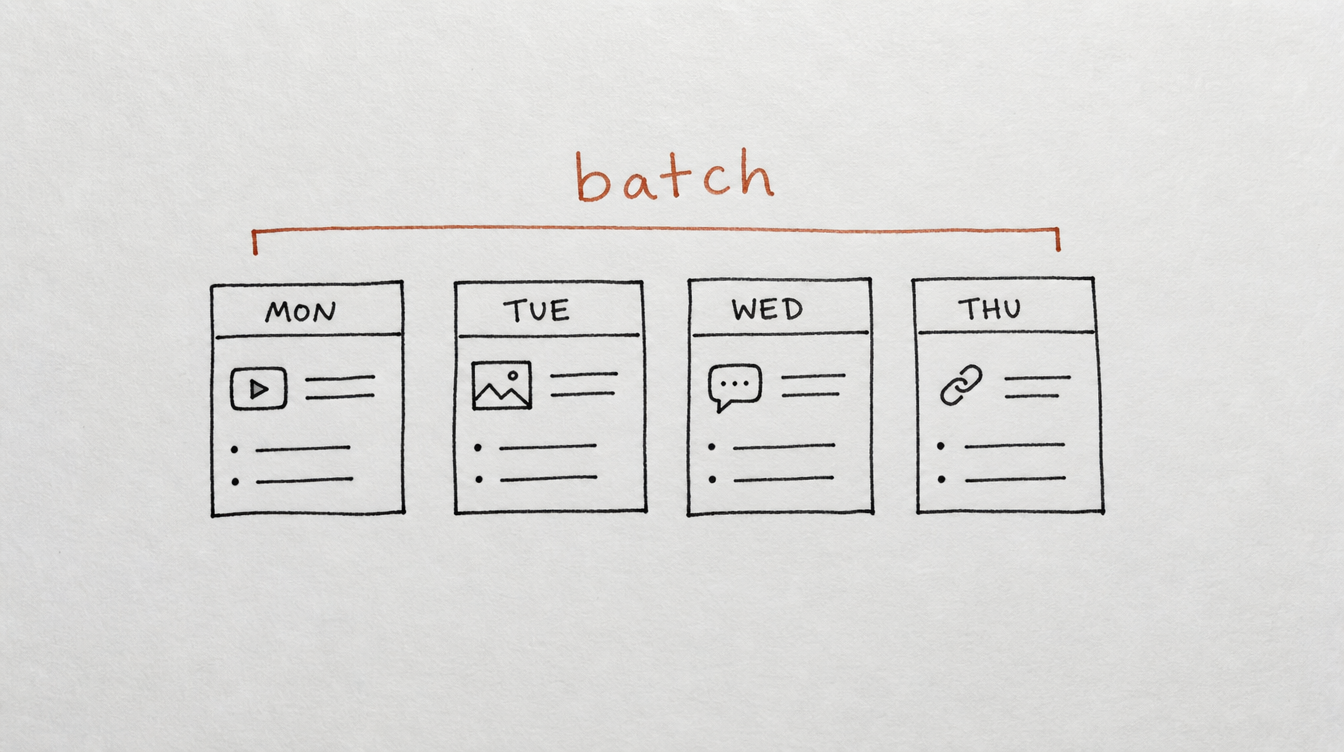
I gave Claude a rough list of 4 topics I wanted to cover and asked it to draft posts and schedule them into the open slots from Monday's audit.
It wrote all 4, spaced them across Wednesday, Thursday, and Friday, and scheduled them. I reviewed the drafts before confirming, made one small edit to a post that used a phrase I don't actually say, and approved the rest as-is.
Total time: about 12 minutes, most of which was me reading the drafts, not writing anything.
4. Wednesday: The Onboarding Workflow
This is the part I was most skeptical about. I asked Claude to build a workflow: when a new member joins, enroll them in a 3-step DM sequence, welcome message on day 1, a check-in on day 3, a resource share on day 7.
It built the workflow and, before activating it, ran a dry-run test with a sample member so I could see exactly what each DM would say and when it would send. That preview caught something: my day-3 message referenced "your first week" in a way that read oddly on day 3 specifically. I asked Claude to adjust the wording, it did, and I activated it.
Two new members joined later that day and got the sequence automatically. I didn't touch it.
5. Thursday: A Health Audit I Wasn't Expecting

I asked Claude to run a full community health audit, mostly out of curiosity. It came back with something specific: my onboarding stage was scoring lowest, and the first broken link in the chain was that new members weren't getting prompted to make their first post fast enough.
That's a real finding, not a generic "improve engagement" suggestion. I hadn't asked it to look for that. It surfaced it because I asked for the audit.
6. Friday: Rescheduling Everything
Friday morning I found out I needed to push a personal announcement earlier than planned, which meant clearing Thursday's slot. I told Claude: "I need Thursday's post moved to next Monday, and shift anything else that was already there to Tuesday."
It handled the reshuffle in one message. In the old workflow, that would have meant opening Skool, finding the post, editing the time, finding the other post, editing that time too. Small task, but it's exactly the kind of small task that adds up.
7. What Actually Changed by the End of the Week
I posted zero times manually. Every post, DM sequence enrollment, and reschedule happened through a conversation with Claude. My rough estimate: this saved me somewhere around 3 to 4 hours across the week, most of it from not context-switching between writing content and manually publishing it.
The bigger shift wasn't time. It was that I actually looked at my calendar and my community health for the first time in weeks, because asking was as easy as typing a sentence.
8. What Didn't Work
Being honest about the friction: the first draft of a post occasionally needed a small edit, the AI's phrasing isn't always exactly my voice. I always reviewed drafts before they went live rather than letting anything auto-publish sight unseen, and I'd recommend the same to anyone trying this.
It also doesn't replace judgment calls. When a member DMed me something that needed a genuinely personal reply, I handled that myself. MCP handles the operational load, not the conversations that actually need a human.
9. Frequently Asked Questions
Did you review everything before it published?
Yes, for scheduled posts and workflow content. Draft review took a few minutes each time and I'd recommend keeping that step rather than skipping it.
How long did setup actually take?
About 4 minutes: generating an API key and adding the server to Claude's config.
Would this work for a much bigger community?
The batch scheduling and workflow tools scale better than manual posting does regardless of size. The health audit becomes more useful the bigger you get, since it's harder to eyeball what's working at scale.
Do I need to use Claude specifically?
No. Anything MCP-compatible works the same way, including Cursor, Windsurf, and Cline.
10. Conclusion and Next Steps
A week isn't enough to call this a full verdict, but it was enough to show me the gap between writing content with AI and actually running a community with it. The second one is a different, much more useful thing.
Your next steps:
- Read the complete Skool MCP setup guide
- Connect your Skool community to StickyHive
- Start with a calendar audit, same as I did on day 1
- Review drafts before they publish, at least at first
Start Free 14-Day Trial (no card required) →
Related reading: