Introduction: The Spreadsheet Trap
Every community owner starts with a spreadsheet. It makes sense at first:
- Free
- Familiar
- Flexible
You add columns for "last active," "notes," "tier," "at risk?" and it feels organized. For 30-50 members, it is.
But here's what happens next:
- You forget to update it for a week (now it's stale)
- You can't tell who's actually active without checking Skool profiles manually
- Your "notes" column becomes a graveyard of one-line fragments
- You can't take action from the spreadsheet (it's just data, not a tool)
- At 100+ members, scrolling through rows is slower than doing nothing
If you're searching:
- skool community CRM
- manage skool members
- community member tracking
- skool member management tool
You've already hit the wall. This post shows you what the next level looks like.
1. Why Spreadsheets Break for Community Management
A spreadsheet is a static document. Community management is a dynamic, real-time activity. These two things are fundamentally incompatible at scale.
Here's why:
Problem #1: Spreadsheets don't update themselves
Member activity changes daily. Someone who was "active" last week is silent this week. Your spreadsheet doesn't know that unless you manually check every single profile and update the row. At 100+ members, that takes hours.
Problem #2: You can't act from a spreadsheet
You identify 12 at-risk members in your sheet. Great. Now what? You can't DM them from the spreadsheet. You can't tag them. You can't start a workflow. You have to context-switch to Skool, find each person, and take action manually. The spreadsheet identified the problem but can't solve it.
Problem #3: No historical context
When did this member last post? What DMs have you sent them? What's their trajectory (getting more active or less)? A spreadsheet stores a snapshot. It doesn't store a timeline. You lose the story.
Problem #4: Can't trigger automations
The most powerful CRM feature is "when X happens, do Y automatically." When a member goes quiet, send a check-in DM. When someone reaches level 5, send a congratulations message. A spreadsheet can't trigger anything. It's just rows and columns.
Problem #5: It depends entirely on you
If you're busy for a week, the spreadsheet goes stale. If you forget to check it, problems pile up undetected. A real CRM works whether you're paying attention or not.
2. What "CRM" Actually Means for a Community
CRM stands for Customer Relationship Management. In a sales context, it tracks leads through a pipeline. In a community context, it tracks members through a lifecycle.
A community CRM answers these questions at a glance:
- Who are my most active members right now? (not last week, right now)
- Who is at risk of leaving? (based on behavior, not your gut feeling)
- Who's new and needs onboarding attention?
- What have I communicated to this person already? (DMs, sequences, notes)
- What should I do about member X right now? (actionable, not just informational)
A spreadsheet can sort of answer the first three if you update it religiously. It can't answer the last two at all.
3. Spreadsheet vs. Community CRM (Side by Side)
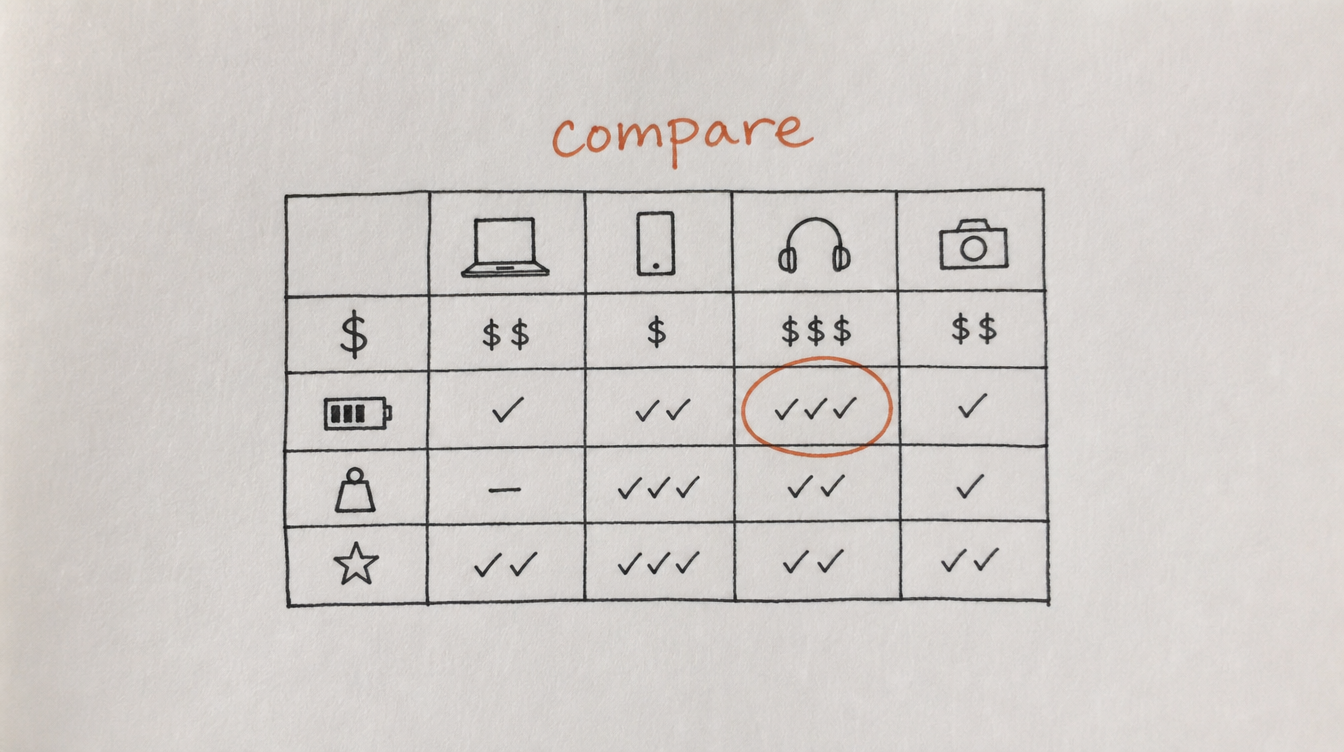
| Capability | Spreadsheet | Community CRM |
|---|---|---|
| Auto-updates with member activity | No (manual) | Yes (real-time) |
| Tags members by behavior | No | Yes (auto + manual) |
| Health scores | No | Yes (0-100, auto-calculated) |
| Send DMs from member view | No | Yes |
| Filter by activity/segment | Basic (if manually updated) | Advanced (multi-filter, real-time) |
| Trigger workflows on tag/event | No | Yes |
| Member notes with history | One cell (no context) | Timeline with dates and DM history |
| Bulk actions on segments | No | Yes (tag, DM, export, etc.) |
| Works while you sleep | No | Yes |
| Cost | Free (but costs hours/week) | $29-99/mo (saves hours/week) |
4. Five Signs You've Outgrown Your Spreadsheet

Sign #1: You haven't updated it in over a week
If your "CRM" spreadsheet is already stale, it's not helping you make decisions. It's just a document you feel guilty about not maintaining.
Sign #2: You can't answer "who's at risk?" without checking profiles
If identifying at-risk members requires opening Skool and manually checking last-active dates, your spreadsheet isn't doing its job.
Sign #3: You have more than 75 members
This is roughly the point where manual tracking becomes unsustainable. You can't keep 75+ member relationships in your head or in a spreadsheet that requires daily manual updates.
Sign #4: You keep losing members without warning
Cancellation surprises mean your current system (or lack of system) isn't detecting drift. A proper CRM with health scores would have flagged them weeks before they cancelled.
Sign #5: You're spending more time tracking members than talking to them
If updating your spreadsheet takes longer than actually engaging with members, the tool is getting in the way of the work. Time to upgrade.
5. What to Look For in a Community CRM

Not every CRM works for communities. Sales CRMs (HubSpot, Pipedrive, Close) are built for lead pipelines, not member lifecycles. Here's what matters for community management:
- Automatic activity tracking. It should pull posting, commenting, and DM data from your community without you doing anything.
- Health scores. A simple 0-100 number that tells you how each member is doing, updated automatically.
- Tags with auto-assignment. Tags that apply and remove themselves based on behavior, not manual input.
- Rich filters. Show me "members who joined in the last 30 days, have zero posts, and are tagged 'at-risk'." That should take one click, not a spreadsheet formula.
- Actionability. From the member view, you should be able to DM them, add a note, start a sequence, tag them, or export their data.
- Integration with workflows. Tags and events in the CRM should be able to trigger automations (DM sequences, Slack alerts, email sends).
6. How StickyHive's CRM Works
I built StickyHive's CRM because I was managing 250+ members across two Skool communities with a Google Sheet and losing my mind. The sheet was always outdated, I couldn't act on it, and I was spending 2 hours a week just maintaining it.
Here's what the CRM gives you:
- Every member in one view with their tags, health score, last active date, DM history, and notes.
- Auto-tagging based on activity (active, quiet, at-risk, new) without any manual work.
- Health scores that update continuously based on posting frequency, comment activity, DM responsiveness, and classroom progress.
- Rich filters: filter by tag, activity, health score, join date, or any combination. One click to see your at-risk members.
- Bulk actions: select a segment, tag them all, start a DM sequence for all of them, or export the list.
- Notes with timestamps: add context to any member. "Called them, they're traveling for 2 weeks" stays attached to their profile forever.
- Workflow integration: CRM events (tag added, health score drops) can trigger DM sequences, Slack alerts, or any workflow action.
"It's the best and least invasive CRM design for Skool I've tried. It's very helpful and I barely notice it. You can see a tag at each user anywhere on Skool saying what their status is with your community. Are they inside it? Have they churned? You'll know immediately. Very useful once your community is big enough that you're struggling to keep up."
— Paulo Costa, The Roaster
The spreadsheet is gone. Replaced by a system that updates itself, alerts you when something needs attention, and lets you act from the same view where you see the data.
Start Free 14-Day Trial (no card required) →
7. Frequently Asked Questions
Does Skool have a built-in CRM?
No. Skool gives you a member list with names, join dates, and leaderboard points. There's no tagging, no notes, no health scores, no filters beyond basic search, and no way to segment or take bulk actions.
Can I use HubSpot or Salesforce as my community CRM?
Technically, but it's a bad fit. Sales CRMs are built for lead pipelines (prospect > qualified > proposal > closed). Community members follow a different lifecycle (onboarded > engaged > at-risk > churned/retained). The data model is wrong, and you'd spend more time configuring it than using it.
When should I switch from a spreadsheet to a real CRM?
At 50-75 members, or when you notice your spreadsheet is consistently outdated. If you have fewer than 50 members and can genuinely maintain the sheet weekly, it's fine for now. But start planning the transition.
How long does it take to set up a community CRM?
In StickyHive, about 10 minutes. Connect your community, and it automatically populates your member list with activity data, tags, and health scores. There's no manual data entry or import process.
Can I export my spreadsheet data into a CRM?
Depends on the tool. Most community CRMs auto-populate from your community data, so your spreadsheet notes are the only thing you'd potentially want to transfer. In practice, most people start fresh with the CRM and stop maintaining the sheet.
8. Conclusion and Next Steps
Your spreadsheet got you this far. Respect that. But it's now costing you more time than it saves, and it can't do the one thing you actually need: alert you to problems and help you act on them without context-switching.
Your next steps:
- Honestly assess: is your spreadsheet up to date right now? (If not, that's your answer.)
- List what you actually need from member management (tags, activity tracking, DM history, health scores)
- Set up a community CRM that auto-populates from your Skool data
- Create your first three auto-tags (active, quiet, at-risk)
- Retire the spreadsheet. You won't miss it.
Related reading: