Introduction: The Silence Problem
Someone joins your Skool community. They see a feed of posts. Maybe a pinned welcome thread. And then nothing happens.
No personal message. No "here's your next step." No nudge to introduce themselves.
If you're searching:
- skool automated DMs
- how to send welcome messages on Skool
- skool DM automation
- auto message new skool members
You already know the problem. New members who don't get a personal touchpoint in the first 24 hours are 3x more likely to never post. They lurk for a week, forget why they joined, and quietly leave.
This post shows you how to fix that with automated DM sequences.
1. Why Automated DMs Matter for Skool Communities
A DM feels personal. Even when it's automated, it creates a one-to-one connection that a pinned post never will.
Here's what automated DMs solve:
- Day-1 confusion: new members don't know what to do first. A DM gives them a clear next step.
- Lurker problem: members who never post are invisible. A DM at day 3 or day 7 brings them back.
- Churn window: most cancellations happen in the first 14 days. DM sequences keep people engaged through that window.
- Scale: you can't personally DM 50 new members a week. Automation can.
If you're running a paid community, every member who churns in month 1 is revenue you already spent to acquire. Automated DMs are the cheapest retention tool you have.
2. What Skool Is Missing (And What You Need)
Skool gives you one option: manually DM each new member. That works at 10 members/month. It breaks at 50.
Here's what Skool does not have:
- No triggered DMs (on join, on tag, on inactivity)
- No multi-step sequences (send message 1, wait 2 days, send message 2)
- No conditional logic (if they replied, do X; if they didn't, do Y)
- No scheduling for DMs
- No way to track which members received which messages
To automate DMs in Skool, you need an external tool that connects to your community and handles the sequence logic. That's what DM sequence builders are for.
3. The Welcome DM Sequence (Step by Step)
This is the first sequence every Skool community should set up. It runs automatically when someone joins.
The 3-message welcome sequence
Trigger: member joins community
Message 1 (immediate, within 5 minutes of joining):
Hey [first_name]! Welcome to [community name].

Quick question: what's the #1 thing you're hoping to get
out of this community?

(Just reply here, I read every message.)
Why it works: it's short, personal, and asks a question that's easy to answer. It also gives you data on what the member wants.
Message 2 (24 hours later, only if they didn't reply):
Hey [first_name], just checking in.

If you haven't already, here's the best place to start:
[link to intro post or classroom module]

Most members find their first win within the first week.
Happy to point you in the right direction if you tell me
what you're working on.
Why it works: it gives a concrete action and re-asks for engagement without being pushy.
Message 3 (day 5, only if they haven't posted yet):
Hey [first_name], I noticed you haven't posted yet
(totally normal).

Here's an easy way to break the ice: jump into this
week's [wins thread / help thread] and share one sentence
about what you're working on.

No pressure. Even "I'm still figuring it out" counts.
Why it works: it names the behavior gap without shaming, and points to a low-friction first action.
Key principles for welcome sequences
- Keep messages short. Under 80 words. DMs that look like emails get ignored.
- Ask one question per message. Multiple questions create decision paralysis.
- Use conditions. If they replied to message 1, skip message 2. Don't spam engaged members.
- Time it right. Message 1 should arrive within minutes. Message 2 at 24h. Message 3 between day 3 and day 7.
4. Re-Engagement DMs for Silent Members
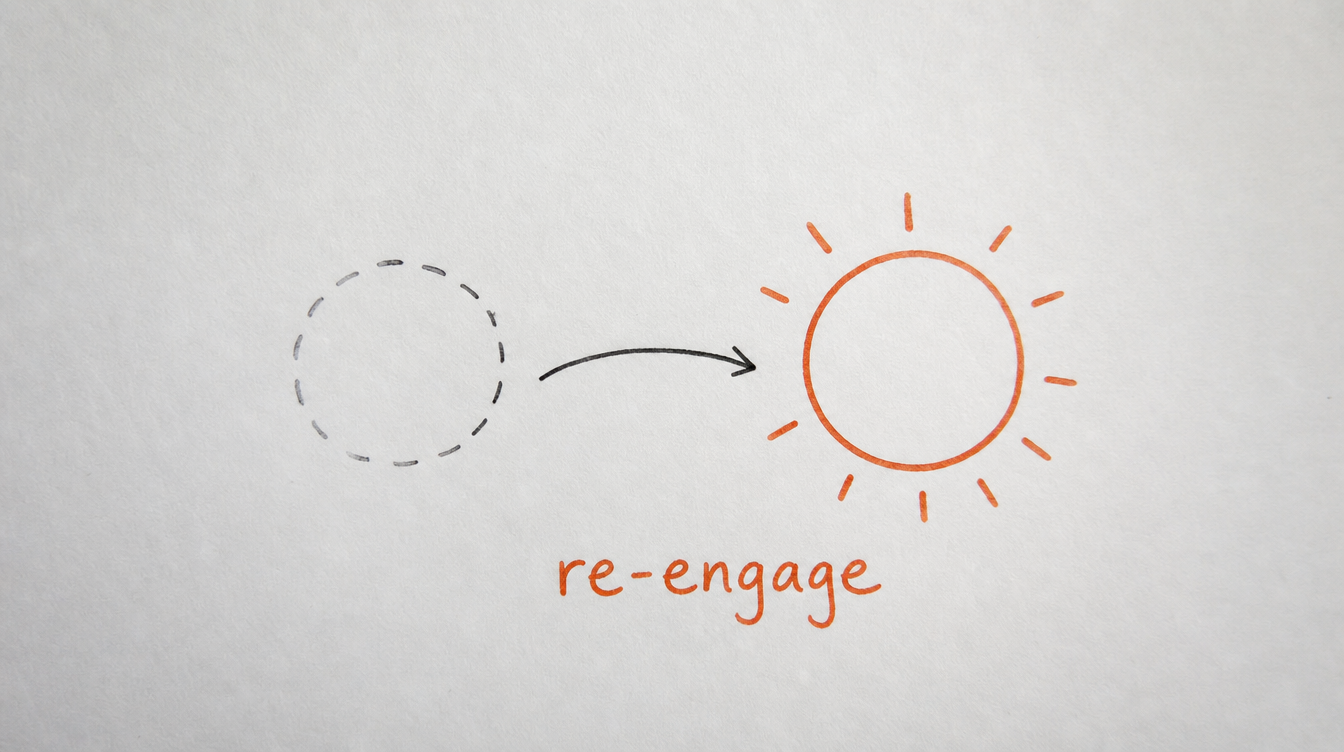
Welcome sequences handle the first week. But what about members who go quiet after month 1?
A re-engagement sequence triggers when a member hasn't posted or commented in X days (you define the threshold).
The "going quiet" sequence
Trigger: member inactive for 14+ days (no posts, no comments)
Message 1 (day 14 of silence):
Hey [first_name], haven't seen you around lately.
Everything good?

No pitch here. Just checking in. If there's something
we could do better in the community, I'd genuinely like
to know.
Message 2 (day 21, if no reply):
Hey [first_name], one more nudge and then I'll leave
you alone.

This week's thread might be relevant to you: [link]

If the community isn't a fit right now, no hard feelings.
But if you're just busy, know we're here when you're ready.
This sequence alone can save 10-20% of members who would otherwise silently cancel. For a $99/month community with 200 members, that's $2,000-$4,000/month in retained revenue.
For a deeper look at churn rescue workflows, read: How to spot members about to cancel.
5. Advanced Sequences: Branching, Conditions, and Goals
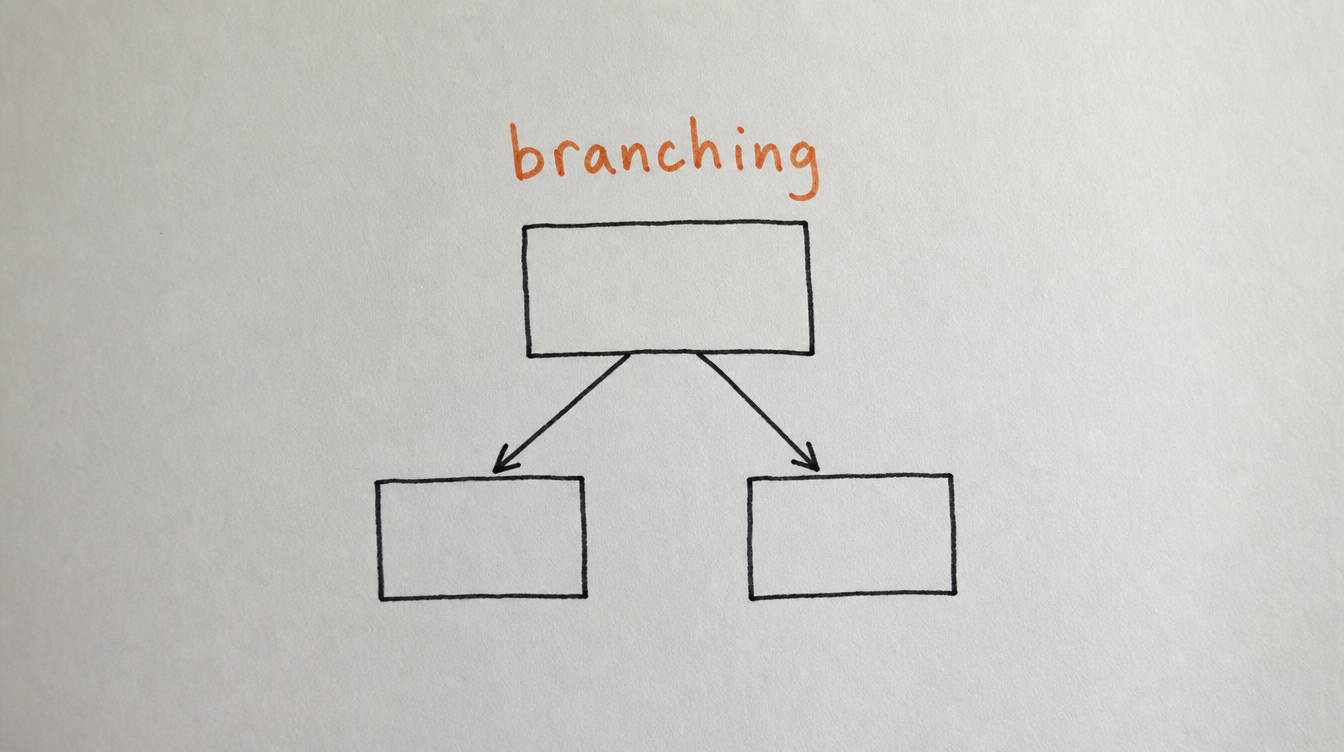
Basic sequences are linear: send, wait, send. Advanced sequences respond to what the member does.
Branching based on replies
If a member replies to your welcome DM with their goal, you can automatically tag them (e.g., "goal: weight loss" or "goal: business growth") and route them into a different follow-up sequence.
Example:
- Reply contains "course" or "content" -> tag as "creator" -> send creator-specific resources
- Reply contains "clients" or "leads" -> tag as "service provider" -> send case studies
- No reply -> continue generic nurture sequence
Goal-based exits
A "goal check" step monitors whether the member has taken a target action (made a post, completed a classroom module, hit a points threshold). If they have, the sequence ends early. No point sending "please post" to someone who already posted.
A/B testing messages
Not sure if "Hey, what are you working on?" works better than "Hey, what brought you here?" Split-test it. Send version A to 50% of new members and version B to the other 50%. Measure reply rates. Keep the winner.
For the full breakdown of DM sequence capabilities, see: Skool DM Sequences.
6. Copy/Paste DM Templates
Use these as starting points. Edit them to match your community's tone.
Template: Paid community welcome
Hey [first_name]! Glad you're here.

You just made a smart move. Here's how to get the most
out of your first week:

1. Introduce yourself here: [link to intro thread]
2. Check out this quick-start guide: [link to classroom]
3. Reply to this message with your #1 goal

I personally read every reply.
Template: Free community welcome (lead nurture)
Hey [first_name], welcome!

Quick one: what brought you to [community name]?

A) I want to learn [topic]
B) I'm looking for accountability
C) I'm exploring if [paid offer] is right for me

Just reply A, B, or C and I'll point you to the right
resources.
Template: Upgrade nudge (day 7, free community)
Hey [first_name], you've been here a week now.

Quick question: have you checked out [paid offer name]?

It includes [key benefit 1] and [key benefit 2] that
aren't available in the free community.

No pressure. Just didn't want you to miss it if it's
relevant to where you are right now.

[link]
Template: Win celebration (triggered by tag or event)
Hey [first_name], I saw you [completed module X / hit
level 3 / posted your first win].

Nice work. That's further than 80% of members get in
their first month.

Keep going. If you want feedback on anything, just
drop it in [channel name].
7. How to Set This Up With StickyHive
Full disclosure: I built StickyHive to solve exactly this problem. I was manually DMing every new member in my own Skool community and it took 45 minutes a day. Now it takes zero.
Here's how it works:
- Connect your Skool community (takes about 2 minutes)
- Create a DM sequence with the visual builder (drag and drop steps)
- Set your trigger (member joins, gets tagged, goes inactive, etc.)
- Add conditions (if replied, if posted, if reached goal)
- Turn it on and let it run
The sequence builder supports:
- Multi-step DM sequences with delays (hours, days, weeks)
- Conditional branching (replied vs didn't reply)
- Goal checks (exit sequence when member takes action)
- A/B testing between message variants
- Auto-tagging based on replies or behavior
- Email steps (for members who aren't checking Skool)
You also get workflow automations that can trigger sequences based on 28+ community events (not just "member joined").
Start Free 14-Day Trial (no card required) →
8. Frequently Asked Questions
Can you send automated DMs on Skool natively?
No. Skool has no built-in DM automation, triggers, or sequences. You need a third-party tool like StickyHive to automate messages.
Will automated DMs get my Skool account flagged?
Not if you're using a tool that respects rate limits and sends messages at human pace. StickyHive sends DMs with natural delays and volume caps to stay within Skool's norms.
How many messages should a welcome sequence have?
Start with 3 messages over 5-7 days. That's enough to make an impression without feeling spammy. You can always add more steps later based on data.
What's the difference between a DM and a DM sequence?
A single DM is one message. A DM sequence is a series of messages with timing, conditions, and logic between them. Think of it like an email drip campaign, but inside Skool's DM inbox.
Do automated DMs work for free Skool communities too?
Yes. In free communities, DM sequences are great for lead nurturing (guiding free members toward your paid offer) and for onboarding (reducing the "I joined but don't know what to do" drop-off).
9. Conclusion and Next Steps
Automated DMs are the single highest-leverage thing you can add to a Skool community. They cost nothing to run (once set up), they work 24/7, and they directly reduce the two biggest revenue killers: day-1 confusion and early churn.
Your next steps:
- Write your 3-message welcome sequence (steal the templates above)
- Set it to trigger on "member joins"
- Add a re-engagement sequence for 14-day inactive members
- Review reply rates after 2 weeks and adjust messaging
Related reading: