Introduction: The AI Trend You Might Have Missed
If you've been hearing "MCP" thrown around and aren't sure what it means, you're not behind. It's a genuinely new idea, and most people running online communities haven't encountered it yet.
Short version: MCP is what lets an AI assistant like Claude actually do things in the tools you use, instead of just talking about them.
If you're searching:
- what is mcp
- model context protocol explained
- ai agent for skool
- what is skool mcp
This post explains what MCP actually is, why it matters for anyone running a Skool community, and where it fits alongside the AI tools you're probably already using.
1. MCP in One Sentence
MCP, short for Model Context Protocol, is an open standard created by Anthropic that lets AI assistants connect to external tools and take real actions in them, not just generate text about them.
That's the whole concept. Everything else is just what becomes possible once that connection exists.
2. The Simplest Way to Think About It
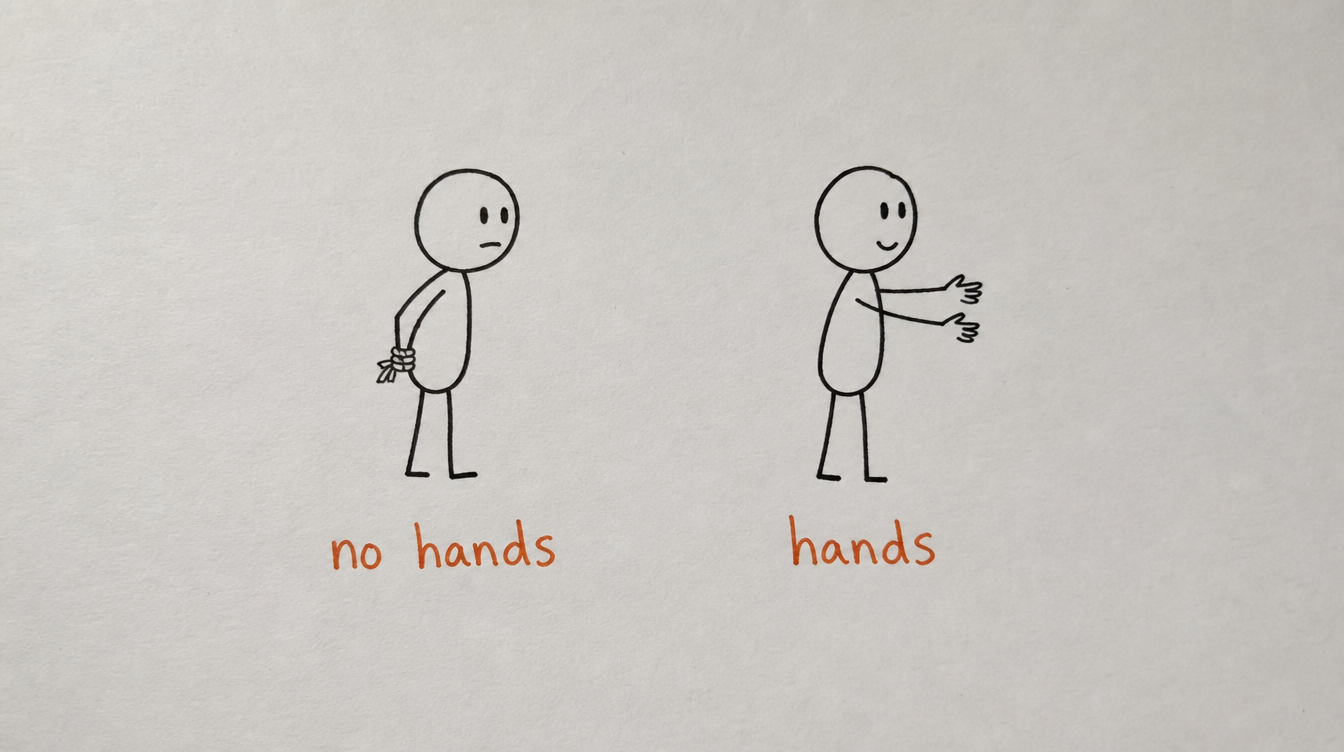
Before MCP, an AI assistant is a very smart writer with no hands. It can draft a post, plan a week of content, or write a DM sequence, but it can't actually put any of that anywhere. You're the one copying, pasting, and clicking publish.
MCP gives it hands. You ask Claude to schedule a post for Thursday at 9am, and it happens, without you touching the interface it's posting to.
The AI isn't smarter because of MCP. It's just no longer stuck behind glass.
3. Before and After MCP
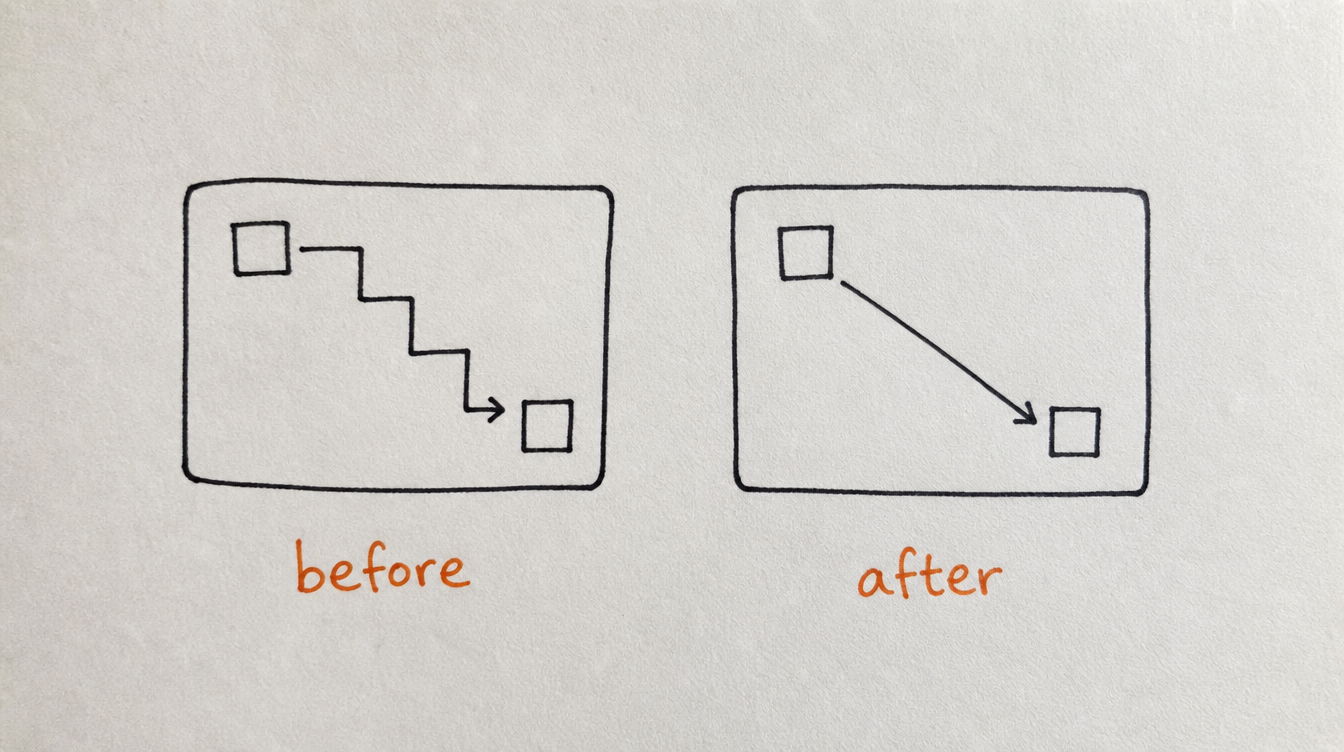
Before: You ask Claude to write 5 community posts. It writes them. You copy each one, open Skool, paste it in, set the time, and repeat 5 times.
After: You ask Claude to write and schedule 5 community posts for the gaps in your calendar next week. It checks your calendar, writes the posts, and schedules them, all inside the same conversation.
Same AI. Same intelligence. The only thing that changed is whether it can act, not just advise.
4. Why This Matters Specifically for Skool
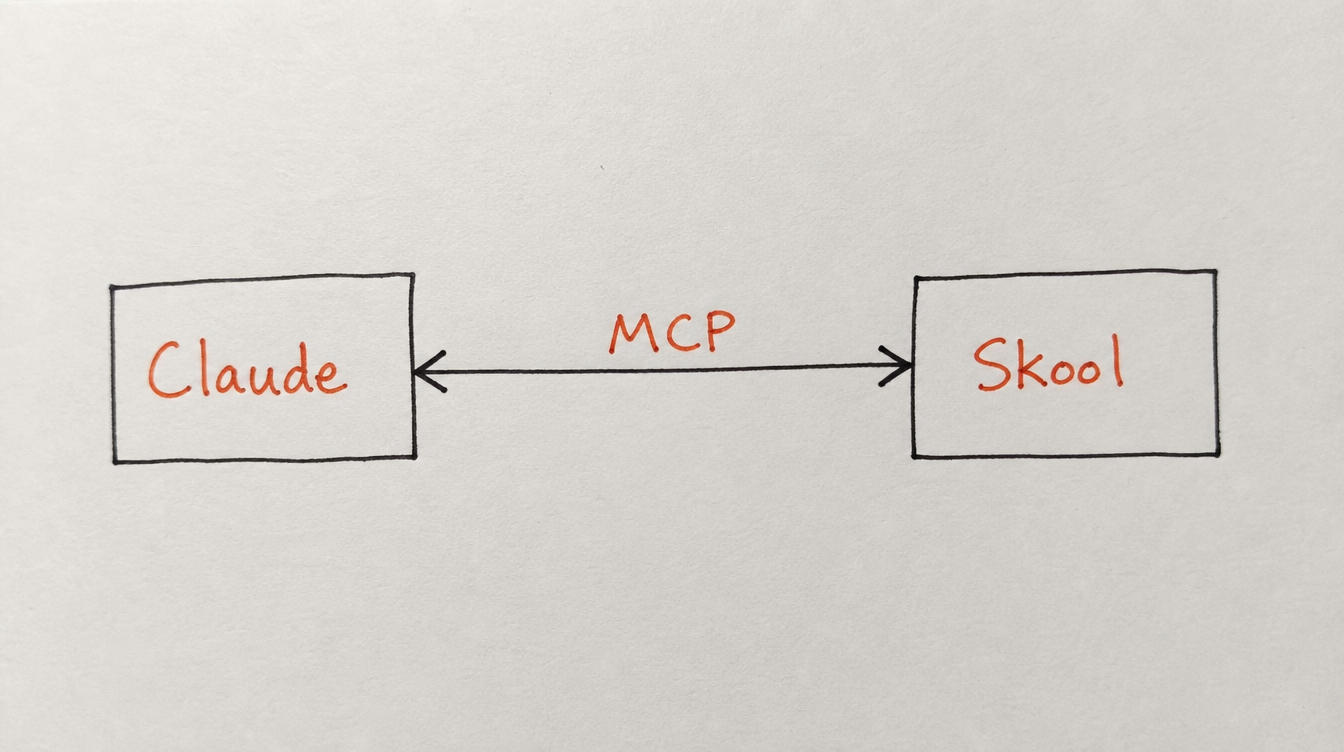
Most platforms you might connect an AI to already have some kind of official integration path. Skool doesn't. There's no first-party API to build against at all, which means there was never a straightforward way for an AI tool to reach into a Skool community, until an MCP server existed for it specifically.
That's why StickyHive built one. Not as a general-purpose automation layer with an AI feature added on, but as an actual MCP server: something Claude, Cursor, or any MCP-compatible tool can connect to directly and use to schedule posts, run workflows, manage DM sequences, and audit community health.
For the full breakdown of what that server can actually do, see the complete Skool MCP guide.
5. This Isn't a Chatbot Bolted Onto Your Community
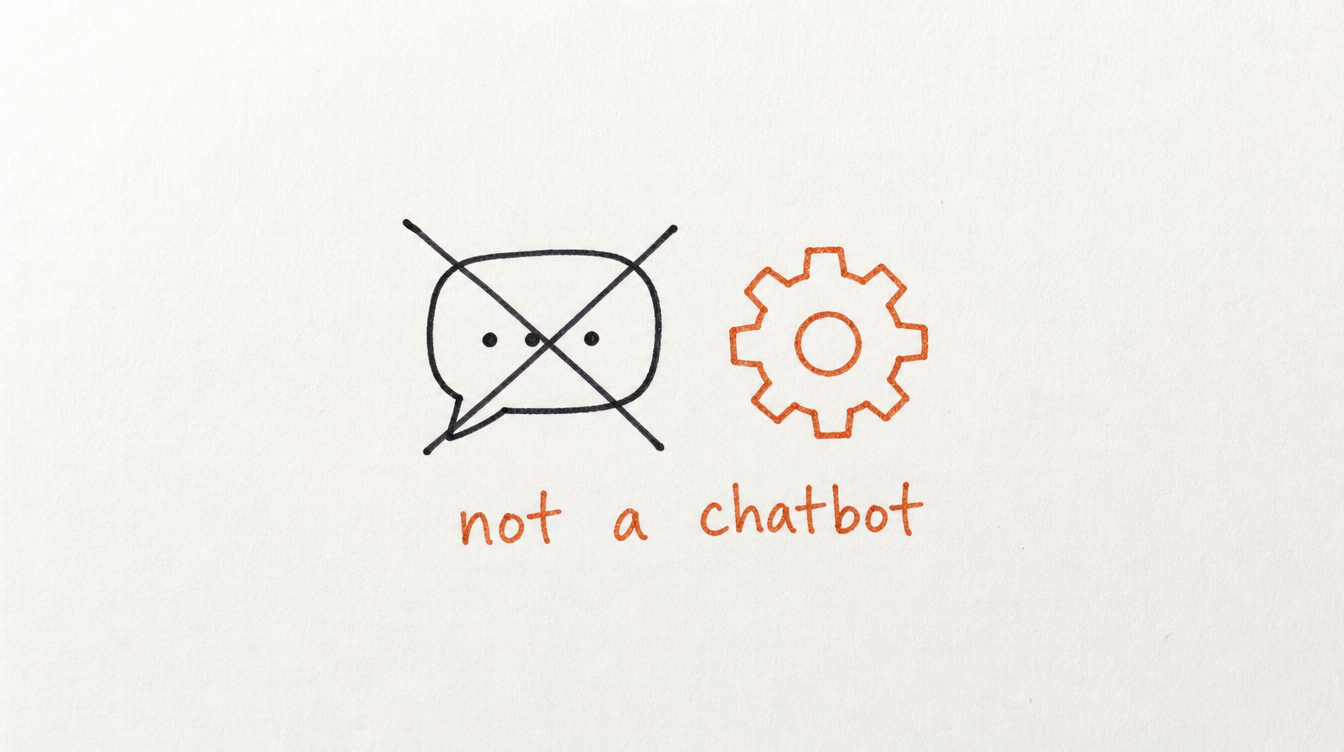
It's worth being clear about what MCP is not. It's not a chatbot widget in your Skool group. It's not an AI that replies to members automatically. It's a connection that lets the AI tool you already use for writing and planning also take the follow-through actions: publishing, scheduling, tagging, running workflows.
You're still the one deciding what gets said and done. MCP just removes the manual labor between deciding and doing.
6. Frequently Asked Questions
Who created MCP?
Anthropic, the company behind Claude, created MCP as an open standard. It isn't proprietary to any one AI tool. Any MCP-compatible client, including Cursor, Windsurf, and Cline, can use it the same way.
Do I need to be a developer to use it?
No. Connecting to an MCP server is a settings step, adding a server URL to your AI tool's configuration. After that, everything happens in plain language conversation.
Is MCP the same thing as an API?
Related, but not the same. An API is a set of rules a developer writes code against. MCP is a standard way for an AI assistant to discover and use a set of tools directly, without anyone writing custom integration code for each connection.
Does every AI tool support MCP?
Not yet, but adoption is moving fast since Anthropic introduced it. Claude Desktop, Cursor, Windsurf, and Cline all support it today.
Is this safe to connect to my community?
StickyHive's MCP server uses OAuth 2.1, the same authentication standard used by Google and Microsoft, with scoped API keys rather than full account access.
7. Conclusion and Next Steps
MCP is a real shift in what an AI assistant can do for you, not another feature update. For Skool community owners specifically, it's the first time an AI tool has been able to actually reach into a Skool community and act, not just help you write what you'll paste in yourself.
Your next steps:
- Read the complete Skool MCP setup guide for the full walkthrough
- Connect your Skool community to StickyHive
- Add the MCP server to Claude Desktop or Cursor
- Ask your AI to check your content calendar and see what it finds
Start Free 14-Day Trial (no card required) →
Related reading: