Short Answer: Can a Skool Community Rank on Google?
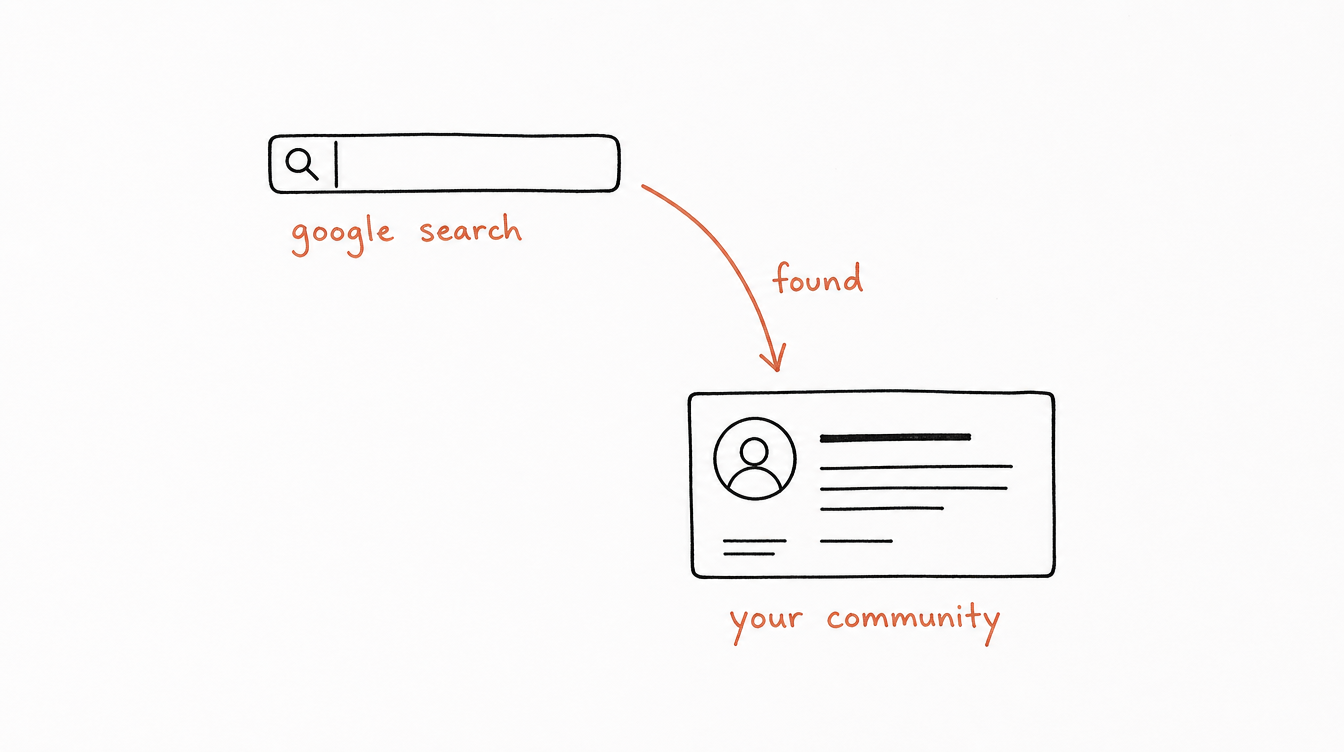
Yes, a Skool community can show up on Google, but what Google can see depends on one setting. In a private group, only your About page is visible to search engines. In a public group, your posts are visible too, and each one can rank on its own.
Either way, a single Skool page will mostly win branded and very specific searches. For anything competitive, the most reliable path is content on channels you own, like a blog or YouTube, that sends people to your About page.
Google and Skool Discovery are also two separate systems. Ranking on one does nothing for the other.
1. What Google Can See: Public vs Private
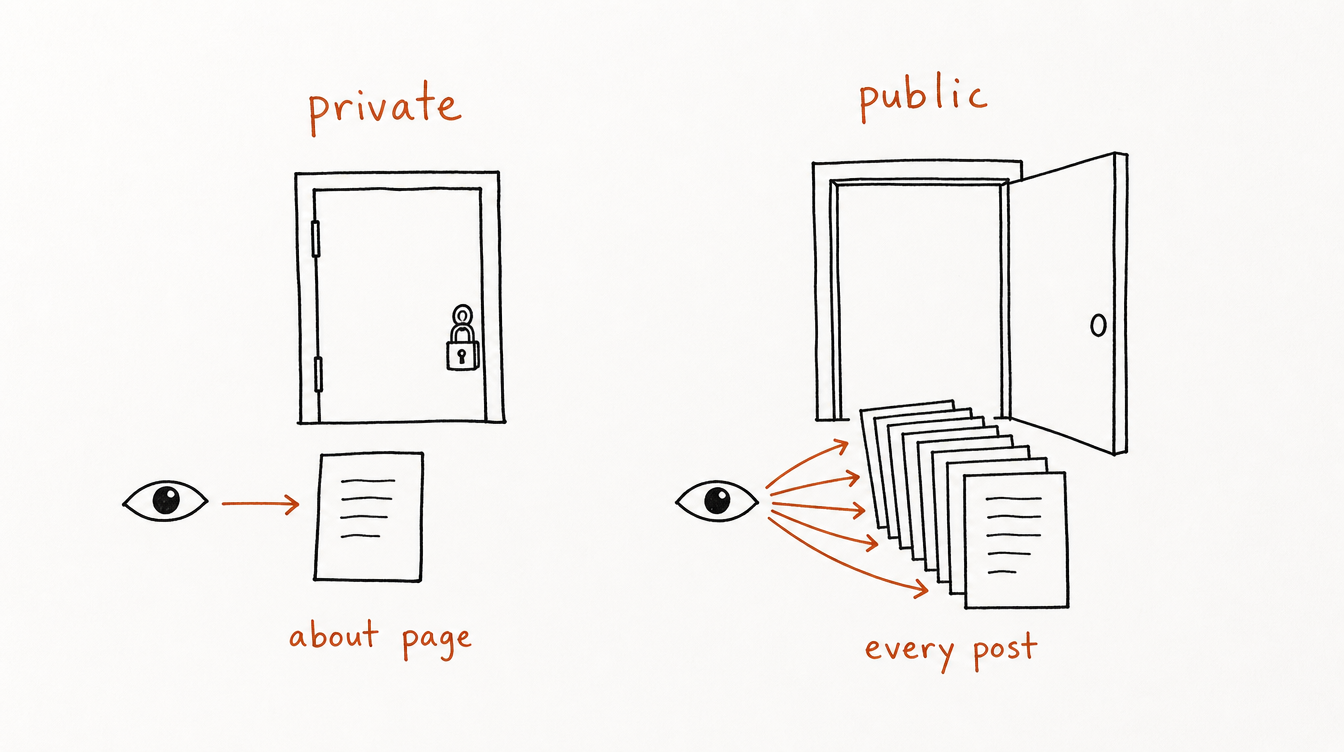
| Private group | Public group | |
|---|---|---|
| About page | Visible to everyone, can rank | Visible to everyone, can rank |
| Posts and comments | Members only, hidden from search engines | Visible to anyone, can be indexed |
| Member list | Members only | Visible to anyone |
| What can rank on Google | Your About page | Your About page plus every post |
Private is what most paid communities use, and it's the right call when your posts are the product. Just know that it leaves you with exactly one page Google can rank.
2. Should You Make Your Skool Community Public?
Make it public if your community is free, or if it has a free tier that exists to bring people in. Every post becomes a page that can be found, and that compounds over time.
Keep it private if members pay for what's inside the posts, or if they share things they wouldn't want indexed, like revenue numbers, health details or client names. In that case, put your search effort into the About page and into content you publish outside Skool.
A common setup is a free public community that feeds a paid private one. The public group does the search and discovery work, and the private group is where the paid offer lives.
3. How to Rank Your Skool About Page
The About page is the one page every Skool community can rank, so treat it like a landing page.
- Put the words people search into your community name. "Freelance Copywriters Hub" can be found by someone searching for a copywriting community. "The Inner Circle" can't. Keep the name under about 40 characters so it doesn't get cut off. More on this in our naming guide.
- Lead your description with who it's for and what they get. Skool shows roughly the first 150 characters in previews, so the important part has to come first. Skip "Welcome to...". See description examples.
- Write the About page for a stranger. Say who it's for, what happens inside, what it costs, and what a new member does in week one. Use the phrases your audience actually types.
- Use a clear cover image and real screenshots or photos. Skool's own Discovery guidance calls out low-quality artwork and About pages as a ranking penalty, and a better page converts better from Google too.
There's one thing you can't do: you can't add skool.com to Google Search Console, because you don't own the domain. That means there's no "request indexing" button. The way to get your pages found faster is to link to them from places Google already crawls, like your website, your YouTube descriptions and your social profiles.
4. Turning Public Posts into Search Landing Pages
If your group is public, each post is a potential search result. Most posts will never rank because they're titled like chat messages. A few habits change that:
- Title posts like the question someone would type. "How do I price my first coaching offer?" can be found. "Thoughts on pricing?" can't.
- Answer in the first two sentences. Google and AI tools both favor pages that answer right away, then add detail.
- Make a handful of evergreen posts on purpose. Pick the five to ten questions your members ask most and write a thorough answer to each. Pin them or link them from your About page so they get found.
- Link between related posts. A post that links to two related posts in the same community gives readers, and crawlers, a path to more of your content.
- Keep it human. Skool's platform policy bans bots and fake accounts posting or messaging, and Discovery penalizes low-quality engagement. A few strong posts beat dozens of thin ones.
5. Can a Skool Community Page Bring in Organic Traffic?
Yes, but set realistic expectations. Your About page will reliably rank for your community's name and for very specific searches that match your niche. Public posts can pick up long-tail questions, especially ones nobody else has answered well.
What a Skool page usually won't do is beat established websites for broad, competitive searches like "fitness community" or "how to start a coaching business". For those, you need a page on a site you control, with room for depth, that sends readers to Skool.
6. Using Blog Content and YouTube to Promote Your Community
This is where most search traffic to Skool communities actually comes from.
- Write the answer on your own site, then invite readers in. A guide on your blog can rank for many searches a single Skool page can't. End it with a clear reason to join, and link to your About page.
- Use your community's real link, not a referral link, when you promote your own group.
- Turn your best Skool posts into YouTube videos. YouTube results show up in Google and are cited heavily in AI answers. Put the community link in the description and a pinned comment.
- Repurpose, don't duplicate. If a public Skool post and a blog post say the same thing word for word, they compete with each other. Keep the full version in one place and a summary with a link in the other.
For the full funnel, from free content to paid members, see how to grow a Skool community fast.
7. Google vs Skool Discovery: How Discovery Ranking Works
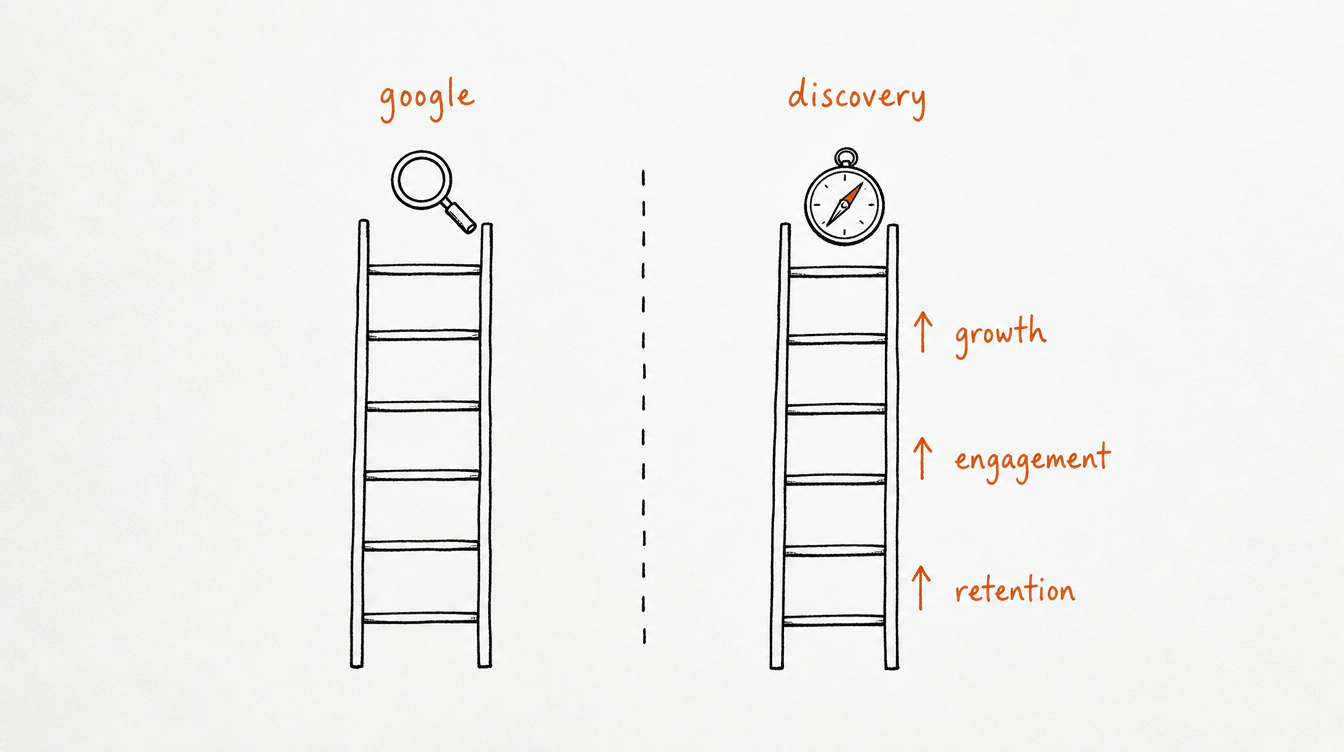
Skool Discovery is Skool's own directory of communities. It has nothing to do with Google, and it ranks communities very differently. According to Skool's Discovery FAQs:
- Eligibility: you need a minimum number of members, posts and activity, plus a group description, About page description and images, and a cover image. Once you cross the threshold, the group shows up within about two hours.
- Ranking signals: member growth, engagement (posts, comments and likes per member) and retention.
- Boosts: high-quality artwork and About page, an interesting niche, authentic human engagement, and active owners and admins.
- Penalties: bots or fake accounts, spam or low-quality engagement, low-quality artwork or About page, taking payments off-platform, bad customer support, and an inactive owner.
- Human review: Skool has a person in the loop who reviews rankings and applies boosts and penalties, so gaming it doesn't last.
In short, Google rewards findable pages and Discovery rewards a healthy, growing community. You need both, and the About page work in section 3 helps with each.
8. Getting Your Community Mentioned in AI Answers
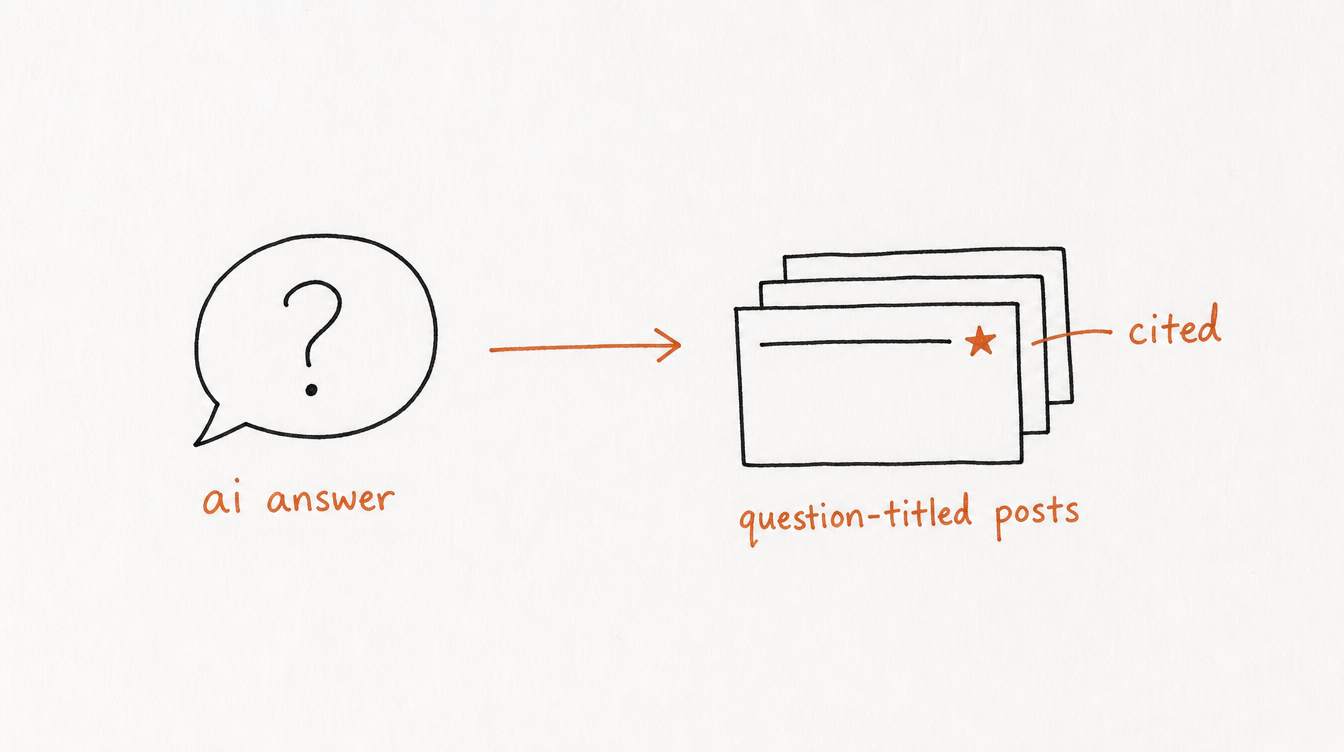
People increasingly ask ChatGPT, Claude or Google's AI Overviews instead of searching. When we tested questions like "What tool can I use to schedule posts in advance on Skool?" and "How do I connect Claude to my Skool community?", ChatGPT's answers cited public posts inside Skool communities, not the companies' own websites.
That works in your favor if your community is public:
- Answer the specific questions your audience asks, one post per question, with the answer up top.
- Use the exact wording people use. AI tools run many narrow searches behind the scenes, and a post titled like the question is far more likely to be picked up.
- Get mentioned outside Skool too. AI answers lean heavily on YouTube, Reddit and articles that name your community.
9. A 30-Day Plan
- Week 1: Rewrite your community name, description and About page around the words your audience searches. Add a strong cover image.
- Week 2: Decide public or private. If public, list your ten most-asked member questions.
- Week 3: Publish those ten answers as question-titled posts if you're public, or as blog posts on your own site if you're private, each linking to your About page.
- Week 4: Turn the two best answers into short YouTube videos with your community link. Link your About page from your website and social profiles.
Then keep a steady posting rhythm. Consistency is a Discovery signal and gives Google something new to find. If keeping up is the problem, scheduling your Skool posts in advance takes the daily pressure off.
FAQ
Does Skool rank on Google?
Yes. Skool About pages and public posts can appear in Google results. Private groups only expose the About page.
Are private Skool groups indexed by Google?
Only the About page. Posts, comments and the member list stay hidden from search engines.
Can I add my Skool community to Google Search Console?
No. Search Console only works for domains you own, and skool.com belongs to Skool. Link to your community from sites you control to help Google find it.
How do I rank higher in Skool Discovery?
Grow members, keep them engaged and keep them around. Discovery ranks on member growth, engagement and retention, and penalizes bots, spam, poor About pages and off-platform payments.
What's the best SEO strategy for a public Skool community?
Title posts as the questions people search, answer in the first lines, build a set of evergreen answer posts, link between them, and send traffic from a blog or YouTube channel you own.