Introduction: The Gap Between "Joined" and "Active"
Joining a community takes one click. Becoming an active member takes a journey. The problem is that Skool doesn't have a built-in way to guide that journey. A new member joins and lands in a feed of posts from strangers. There's no guided path, no "do this first, then this," no system that notices if they haven't taken action.
If you're searching:
- skool onboarding workflow
- automate new member onboarding skool
- skool welcome sequence automation
- guide new members skool
You need an automated workflow that does the work of a personal guide: welcomes each new member, points them to their first action, checks if they've taken it, nudges if they haven't, and celebrates when they do.
This post gives you the complete workflow blueprint you can set up once and let run forever.
1. Why Automated Onboarding Matters (The Numbers)
Here's what happens in most Skool communities without an onboarding workflow:
- 60-70% of new members never make a single post
- 40-50% never come back after day 1
- Members who don't engage in week 1 have less than 10% chance of becoming long-term members
And here's what happens with a proper onboarding workflow:
- First-week posting rates jump from 30% to 60-70%
- 30-day retention improves by 25-40%
- Member lifetime value increases (more months stayed = more revenue)
The difference isn't content quality. It's whether someone takes their first action quickly enough to feel invested. An onboarding workflow makes that first action unavoidable.
2. What Skool Gives You vs. What You Need
What Skool provides for onboarding:
- A pinned post (static, one-size-fits-all, easy to ignore)
- A classroom with modules (requires self-motivation to start)
- A leaderboard (incentive, but doesn't guide the first step)
What an effective onboarding system needs:
- A personal touchpoint in the first 5 minutes (DM)
- A clear first action that's low-friction
- A follow-up if that action isn't taken (day 2-3)
- A second step once the first is complete
- A celebration when the member reaches "activated" status
- An escalation path if they go completely silent
The gap between these two lists is what your workflow fills.
3. The Complete Onboarding Workflow (Step by Step)
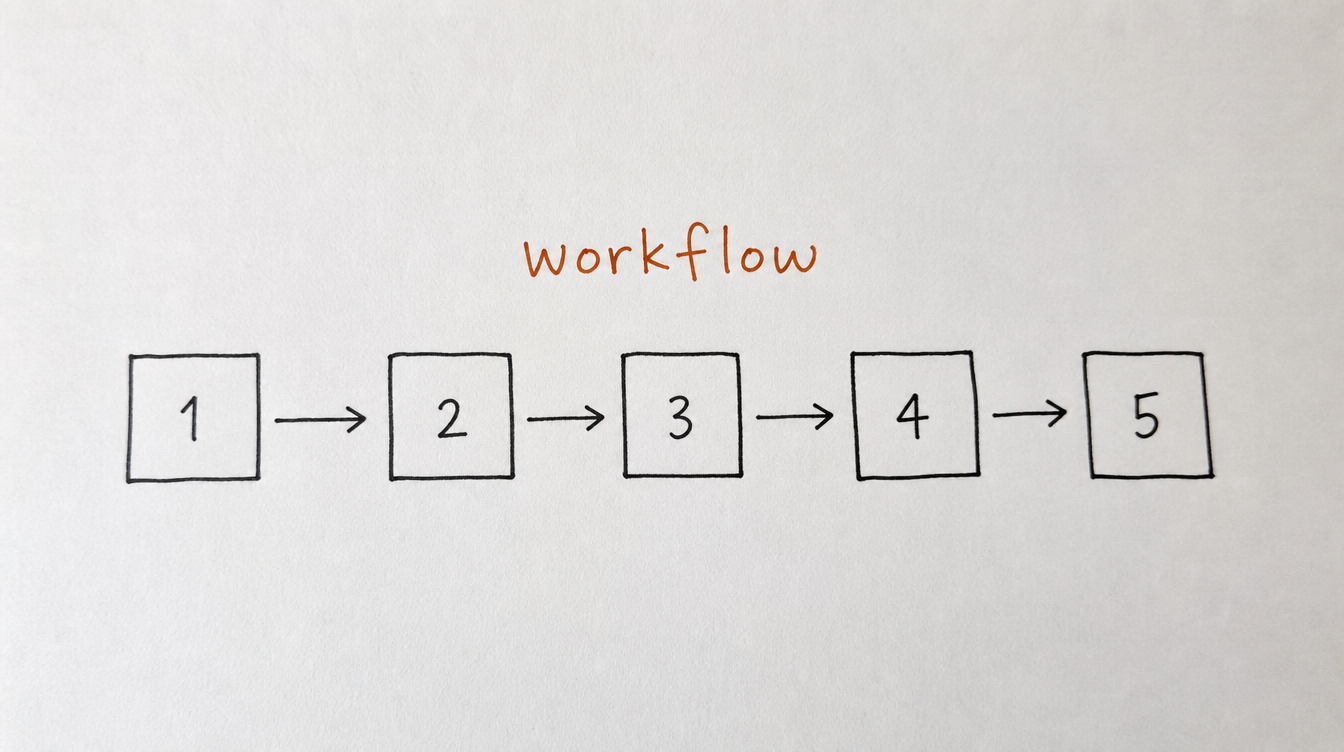
Here's the full workflow from trigger to completion. This handles a new member from the moment they join until they make their first post.
Step 1: Trigger (member joins)
The workflow starts automatically the instant someone joins your community. No manual action needed.
Step 2: Immediate welcome DM (within 5 minutes)
Hey {{first_name}}! Welcome to [community name].

Here's the single best thing you can do right now:

Introduce yourself in this thread: [link to intro thread]

Just 1-2 sentences about who you are and what you're
working on. That's it.

(I'll reply personally when you post.)
Why it works: one clear action, low friction, social proof (you'll reply), and a direct link.
Step 3: Auto-tag as "new" + "onboarding"
Tag the member so you can identify who's in their first week and track progress.
Step 4: Wait 24 hours, then check
Goal check: did the member make a post?
- Yes: skip to Step 7 (celebration)
- No: continue to Step 5
Step 5: Day-2 nudge DM
Hey {{first_name}}, quick follow-up.

If you haven't introduced yourself yet, here's that
link again: [link]

Even "Hey, I'm {{first_name}} and I'm here to
learn about [topic]" is perfect. No pressure to
write a novel.
Step 6: Wait 48 hours, then check again
Goal check: did the member make a post?
- Yes: proceed to Step 7
- No: proceed to Step 8
Step 7: Celebration DM (triggered by first post)
Hey {{first_name}}, saw your intro post! Welcome
officially.

Here's what I'd suggest next:
1. Check out [Module 1 / key resource]: [link]
2. Jump into this week's [help thread / wins thread]: [link]

You're off to a great start.
Also: remove "onboarding" tag, add "active" tag. The member has been successfully activated.
Step 8: Day-5 final nudge (only if still no post)
Hey {{first_name}}, last nudge from me on this.

I know starting can feel awkward. Here's the easiest
way in: [link to this week's wins/help thread]

Reply with even one sentence and you'll have people
responding within hours. The community is friendly.

After this, I'll stop bugging you. But I'm here if
you need anything.
Step 9: Day-7 decision point
Goal check: any activity at all (post, comment, classroom progress)?
- Yes: send celebration (Step 7), remove "onboarding" tag
- No: remove "onboarding" tag, add "quiet" tag, hand off to re-engagement workflow
4. Trigger Options: What Starts the Workflow
The standard trigger is "member joins community." But you can also use onboarding workflows for other scenarios:
- Member joins + gets tagged "premium": different onboarding for paid tier members
- Member completes payment (Stripe webhook): onboarding starts after purchase confirmation
- Member is added to a cohort: cohort-specific onboarding with different content and timelines
- Member migrates from free to paid tier: upgrade onboarding highlighting premium features
Each scenario can have its own workflow with different messages, timelines, and resources.
5. Adding Branches for Different Member Types
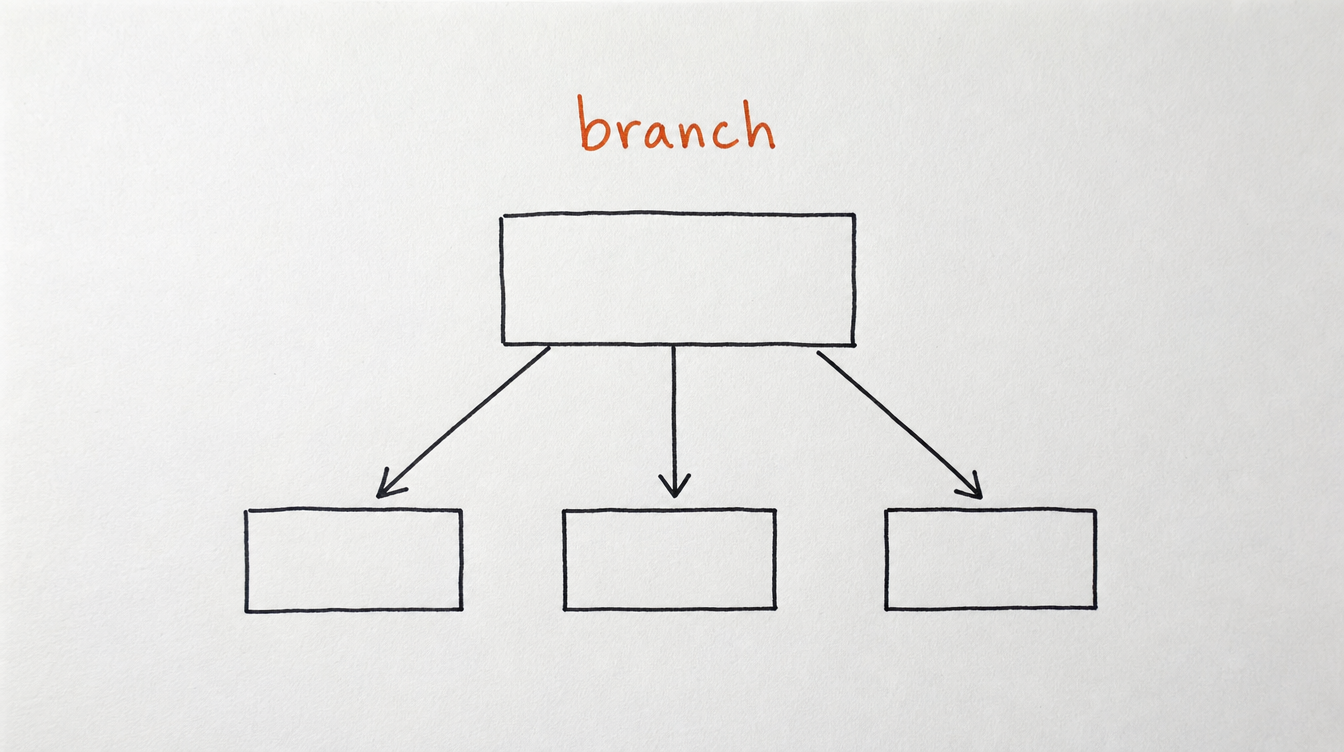
Not every new member needs the same path. Add branching logic based on what you know about them:
Branch by source:
- From webinar: they already know you. Skip the "who we are" and go straight to action.
- From organic search: they don't know you. Include more context and social proof.
- From referral: they know someone inside. Connect them to their referrer.
Branch by reply to welcome DM:
- Replied with their goal: tag them by goal, send goal-specific resources.
- Replied "just browsing": lighter touch, don't push too hard.
- Didn't reply: follow the standard nudge sequence.
Branch by behavior:
- Started classroom immediately: they're self-motivated. Celebrate progress, skip nudges.
- Introduced themselves within 1 hour: fast mover. Send the "what's next" message sooner.
- No activity at all by day 2: needs more hand-holding.
6. Goal Checks: Stopping the Sequence When It Works
The most important feature of a good onboarding workflow is knowing when to stop. Nobody wants 5 DMs from a community they're already active in.
Goal checks monitor specific member actions and exit the workflow the moment the goal is achieved:
- Goal: Member makes first post. Check after each wait step. If true, jump to celebration and end.
- Goal: Member completes Module 1. For course-based communities, classroom progress is the activation metric.
- Goal: Member comments on any post. Even a comment counts as "they're in."
- Goal: Member replies to the welcome DM. A reply means they're engaged in conversation, even if they haven't posted publicly yet.
Without goal checks, you'd be sending "hey, are you there?" messages to members who posted 3 times yesterday. That kills trust fast.
7. How to Measure Onboarding Success
Track these numbers to know if your workflow is working:
- Welcome DM reply rate: target 25-40%. Below 20% means your message needs work.
- For example welcome sequences that hit these reply-rate targets, see How to Set Up Automated DMs in Skool.
- First-post rate (within 7 days): target 50-70%. This is your primary activation metric.
- Time to first post: ideally under 48 hours. If most activations happen at day 5-7, your early nudges are too weak.
- 30-day retention of onboarded vs. non-onboarded members: the gap shows how much value the workflow adds.
- Drop-off point: where do members stop? After message 1? After message 2? This tells you which step needs improvement.
Review these monthly. A/B test your messages. Small improvements in first-post rate compound into major retention gains over time.
8. Setting This Up in StickyHive
I built StickyHive's workflow builder specifically to handle multi-step onboarding like this. The workflow above takes about 15-20 minutes to set up in the visual builder.
Here's what you'd use:
- Trigger: "Member Joins Community" (starts the workflow automatically)
- DM steps: write each message with merge tags (first name, community name)
- Delay steps: wait 24h, wait 48h (customizable)
- Goal checks: "Member has posted" or "Member completed module" (auto-exits if true)
- Tag actions: add "new," add "onboarding," remove "onboarding," add "active" or "quiet"
- Conditions: if replied -> branch A. If no reply -> branch B.
Once active, this workflow runs for every new member without you touching anything. You'll see onboarding stats in the dashboard: how many members are currently in the workflow, completion rates, and drop-off points.
Start Free 14-Day Trial (no card required) →
9. Frequently Asked Questions
How long should an onboarding workflow run?
7 days max for the initial activation sequence. After that, either the member is activated (hand off to engagement) or they're not (hand off to re-engagement). Don't drag onboarding out for 30 days. First-week action is what matters.
What's the most important single step in the workflow?
The immediate welcome DM (Step 2). If only one thing runs, make it that. A personal message within 5 minutes of joining is the single highest-impact onboarding action you can take.
Should the onboarding workflow send emails too, or just DMs?
Start with DMs only. They have much higher open/reply rates inside Skool. Add email as a fallback for members who don't open Skool at all (detectable by day 3-4 of zero platform activity).
What if I have a course-based community? Is the "first post" still the right goal?
For course communities, use "completed Module 1" as the primary goal instead of "first post." Module completion proves they're consuming value. You can add "first post" as a secondary goal in a follow-up sequence after Module 1 is done.
Can I personalize the onboarding based on how they joined?
Yes. If you tag members by source (webinar, organic, referral, ad), you can create separate workflows per tag or add branching conditions within a single workflow. Different sources often need different messaging and resource recommendations.
10. Conclusion and Next Steps
Onboarding is the single most impactful workflow you can automate. Fix this one thing and your first-week activation rates, 30-day retention, and long-term member value all improve together.
Your next steps:
- Write your 3-message welcome sequence (steal the templates above)
- Define your activation goal (first post, first module, or first comment)
- Set up the workflow with trigger, delays, goal checks, and tags
- Activate it and let it run for 2 weeks
- Check your first-post rate and adjust messaging where drop-off happens
Related reading: