Introduction: "Just Use Zapier" Is Incomplete Advice

If you've asked "how do I automate my Skool community?" in any forum, someone told you to use Zapier. It sounds simple. Connect Skool to Zapier, set up some automations, done.
Then you log into Zapier, search for "Skool," and realize the integration is... minimal.
If you're searching:
- zapier skool integration
- does zapier work with skool
- zapier skool triggers
- skool automation zapier
This post saves you the 3 hours of trial and error. Here's exactly what Zapier offers for Skool, where it falls short, and what the alternatives are.
1. What Zapier Actually Offers for Skool
As of 2026, here's the complete Zapier-Skool integration:
Triggers (events that can start a Zap):
- New Member - fires when someone joins your community
- New Post - fires when a post is created
That's it. Two triggers.
Actions (things Zapier can do in Skool):
- Create Post - publish a new post to a category
- Send DM - send a direct message to a member
That's it. Two actions.
So the total Zapier-Skool integration is: 2 triggers and 2 actions. Everything else you see people claim online ("automate your entire community with Zapier!") is either outdated information or wishful thinking.
2. What You Can Do With Zapier + Skool
With 2 triggers and 2 actions, here's what's realistically possible:
Zap 1: Welcome DM on join
Trigger: New Member -> Action: Send DM
This works. A new member joins, Zapier sends them a DM. Simple, functional. But it's a single message with no conditions, no follow-up, and no way to branch based on their reply.
Zap 2: Notify yourself when someone joins
Trigger: New Member -> Action: Send Slack message (or email)
Useful if you want to personally welcome high-value members. But you could also just check your Skool notifications.
Zap 3: Add new member to email list
Trigger: New Member -> Action: Add to Mailchimp/ConvertKit/etc.
This is probably the most practical Zapier use case. You get new members into your email system automatically.
Zap 4: Post from another platform
Trigger: New blog post (WordPress) -> Action: Create Post in Skool
Cross-posts your blog content to Skool. Works, but the formatting is often ugly and there's no way to customize it per-category.
Zap 5: Notify on new post
Trigger: New Post -> Action: Send Slack message
Get alerted when a member posts. Could be useful for moderation or monitoring, but at scale it just creates noise.
That's the realistic list. Five basic workflows. All of them are "one trigger, one action" with no logic in between.
3. What You Can't Do (And This Is the Long List)

Here's what community owners typically want to automate, and what Zapier can't handle:
Things you cannot trigger on:
- Member goes inactive (no "days since last activity" trigger)
- Member comments on a post
- Member reaches a leaderboard level
- Member completes a classroom module
- Member gets tagged or untagged
- Member's health score drops
- Churn signal detected
- Member replies to a DM
- New member doesn't post within X days
- Post gets X comments (engagement threshold)
- Member leaves community
Actions you cannot take:
- Tag or untag a member
- Add a note to a member profile
- Send a multi-step DM sequence (only single messages)
- Remove a member
- Move a member to a different level
- Update a member's profile
- Schedule a post for later
- Create a recurring post
- Send a conditional DM (based on member behavior)
- Start a workflow with delays and branches
Logic you can't use:
- If member replied, do X. If they didn't, do Y. (no branching)
- Wait 3 days then check if member posted. (no delays with conditions)
- Only send to members who haven't been active in 7 days. (no behavioral filters)
- A/B test message variants. (no split testing)
- Stop sequence if member takes target action. (no goal-based exits)
In short: Zapier gives you "when A happens, do B." Community automation needs "when A happens, wait, check, decide, then do B or C depending on the result." Zapier isn't built for that.
4. Common Frustrations With Zapier for Skool
Based on what community owners report after trying Zapier:
"It can't detect inactive members"
This is the #1 frustration. You want to automatically reach out to members who go quiet. Zapier has no "member inactive" trigger. There's no workaround. It simply doesn't track member activity over time.
"The DM action is just a single message"
You can send one DM when someone joins. That's it. No sequence, no follow-up, no conditions. If they don't reply, Zapier can't send a second message or change behavior.
"I can't tag members"
Tagging is the foundation of member segmentation. Without it, you can't filter, target, or personalize anything. Zapier can't add or remove tags in Skool.
"Posts sometimes fail or get duplicated"
The Create Post action has reliability issues. Formatting doesn't always transfer cleanly from other platforms, and retry logic can create duplicates.
"It's expensive for what it does"
Zapier's pricing is per-task. A welcome DM to 100 members/month = 100 tasks. Add a Slack notification = 200 tasks. At the Starter plan ($29.99/month), you get 750 tasks. For a busy community, you burn through that fast doing very basic things.
5. When Zapier Is Still Fine for Skool
To be fair, Zapier works perfectly for a few specific use cases:
- Adding new members to your email list. Trigger: New Member -> Action: Add to ConvertKit. Simple, reliable, solves a real problem.
- Notifying your team when someone joins. If you have a small team and want a Slack ping for every new member, Zapier handles this fine.
- Cross-posting blog content. If you want your blog posts to auto-appear in Skool, the Create Post action works for that (with formatting caveats).
If all you need is "connect Skool to my email tool," Zapier is fine. Stop here.
If you need anything involving member behavior, sequences, conditions, or community-specific logic, Zapier is the wrong tool.
6. Alternatives to Zapier for Skool Automation
Make (formerly Integromat)
Make has similar Skool integration limitations as Zapier (limited triggers/actions). The visual builder is nicer, but the Skool connector is equally basic. Same core problem: no behavioral triggers, no member management actions.
n8n
Self-hosted automation tool. More powerful than Zapier for complex logic, but still limited by what the Skool API exposes. No native Skool connector, so you'd need custom API work.
StickyHive (purpose-built for Skool)
Built from the ground up specifically for Skool community automation. 28+ triggers, 60+ actions, DM sequences, workflows with conditions, health scores, CRM, auto-tagging. More on this below.
7. Side-by-Side Comparison
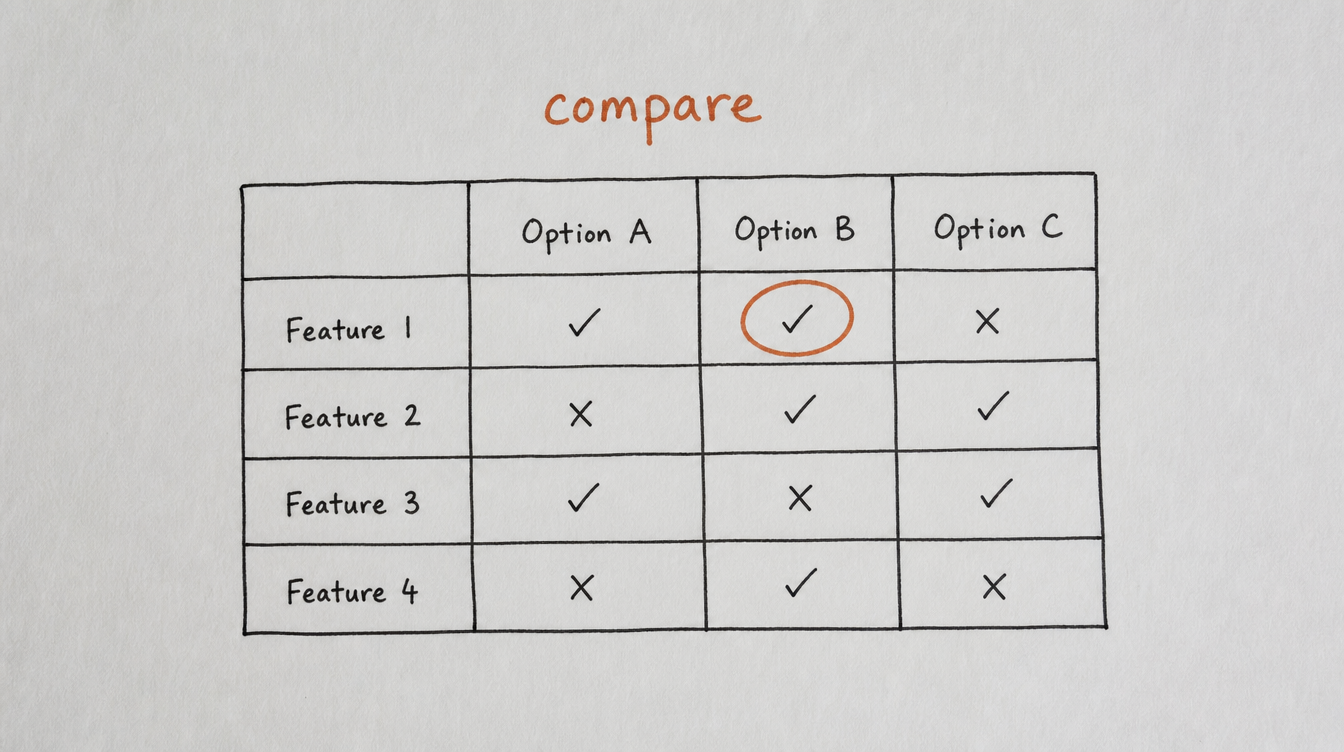
| Feature | Zapier | Make | StickyHive |
|---|---|---|---|
| Skool triggers | 2 | 2-3 | 28+ |
| Skool actions | 2 | 2-3 | 60+ |
| Inactivity trigger | No | No | Yes |
| DM sequences | No (single msg only) | No | Yes (multi-step, branching) |
| Member tagging | No | No | Yes (auto + manual) |
| Health scores | No | No | Yes |
| Churn detection | No | No | Yes (AI-powered) |
| Conditional logic | Basic (paths, extra cost) | Yes | Yes (built into every workflow) |
| Recurring posts | No | No | Yes |
| Post scheduling | No | No | Yes |
| Community audit | No | No | Yes (free) |
| Pricing | $29.99/mo (750 tasks) | $10.59/mo (10K ops) | From $29/mo (unlimited workflows) |
8. StickyHive: Built Specifically for Skool
I built StickyHive after spending 6 months trying to make Zapier work for my Skool community. For the complete stack this includes — scheduling, DMs, workflows, and churn prevention — see Skool Automation Tools: The Complete Stack. The breaking point was realizing I couldn't detect inactive members, couldn't send follow-up DMs, and couldn't tag anyone. The three things I needed most were the three things Zapier couldn't do.
StickyHive is different because it's not a generic automation tool with a Skool connector bolted on. It's built from the ground up for community management on Skool:
- 28+ community-specific triggers: member joins, goes inactive, posts, comments, gets tagged, reaches a level, completes a module, churn signal detected, and many more
- 60+ actions: send DM, send DM sequence, tag member, remove tag, add note, send email, post to Slack, webhook, send to CRM, and more
- DM sequence builder: multi-step sequences with delays, conditions, branching, goal checks, and A/B testing
- No per-task pricing: unlimited workflows, unlimited triggers. You pay for the plan, not per automation run.
If you're currently on Zapier and frustrated by the limitations, migrating takes about 15 minutes. Your "New Member -> Email List" zap stays on Zapier (it works fine there). Everything else moves to StickyHive.
Start Free 14-Day Trial (no card required) →
9. Frequently Asked Questions
Does Zapier have a Skool integration?
Yes, but it's extremely limited. Two triggers (New Member, New Post) and two actions (Create Post, Send DM). No behavioral triggers, no tagging, no sequences, no inactivity detection.
Can I use Zapier to send DM sequences on Skool?
No. Zapier can send a single DM when triggered. It cannot send multi-step sequences with delays, conditions, or follow-ups. For sequences, you need a dedicated DM sequence tool.
Is Make (Integromat) better than Zapier for Skool?
Make has a slightly better visual builder and more flexible logic, but its Skool integration has the same limitations (2-3 triggers, 2-3 actions). The underlying problem is the same: generic tools don't support community-specific use cases.
Can I keep Zapier for some things and use StickyHive for others?
Yes. A common setup: keep Zapier for "New Member -> Add to Email List" (it works perfectly for that) and use StickyHive for everything community-specific (DMs, workflows, tagging, churn detection, scheduling). They don't conflict.
Why doesn't Zapier have more Skool triggers?
Zapier's integrations depend on what the platform's API exposes. Skool's public API is limited. Purpose-built tools like StickyHive use deeper integration methods to access community data that Zapier can't reach.
10. Conclusion and Next Steps
Zapier works for Skool if you need one thing: connecting new members to an external tool (email list, CRM, Slack notification). For that, it's fine. Keep using it.
For everything else community owners actually need (DM sequences, inactivity detection, tagging, churn prevention, post scheduling, member management), Zapier doesn't cover it. It's not a Zapier problem. It's a "generic tool applied to a specific domain" problem.
Your next steps:
- List the automations you actually want (not what Zapier can do, but what you need)
- Check which ones Zapier covers (probably 1-2 of them)
- For the rest, evaluate a purpose-built Skool automation tool
- Keep Zapier for what it's good at (email list sync), move everything else
Related reading: