Introduction: You're Not a Community Manager. You're a Community Operator.
If you're spending 2-3 hours daily on your Skool community, you're doing manually what should be automated. You're the bottleneck, and your community suffers every time you have a busy day.
If you're searching:
- manage skool community less time
- skool community automation playbook
- run community 30 minutes a day
- community management time saving
The solution isn't to "work harder" or "batch better." The solution is to automate the repetitive tasks and focus your 30 minutes on the high-impact stuff only a human can do.
This is the complete playbook. It covers what to automate, what to keep manual, and how to structure your daily 30-minute routine.
1. Where Your Time Actually Goes (The Community Time Audit)
Before optimizing, you need to know what's eating your time. Here's what a typical community owner's daily breakdown looks like:
- Welcoming new members: 15-30 min/day (DMs, introductions, pointing to resources)
- Creating and posting content: 30-60 min/day (writing prompts, scheduling, ideation)
- Replying to posts and comments: 20-40 min/day (answering questions, sparking discussion)
- Checking on inactive members: 15-30 min/day (scanning profiles, DMing quiet people)
- Moderation: 10-20 min/day (flagging spam, managing conflicts)
- Admin and tracking: 15-30 min/day (updating spreadsheets, checking metrics)
Total: 2-3.5 hours/day.
Here's the key insight: about 80% of this is repetitive and rule-based. That means it can be automated. The 20% that requires your brain (replying thoughtfully, strategy decisions, personal connections) is what your 30 minutes should focus on.
2. What to Automate vs. What Stays Manual
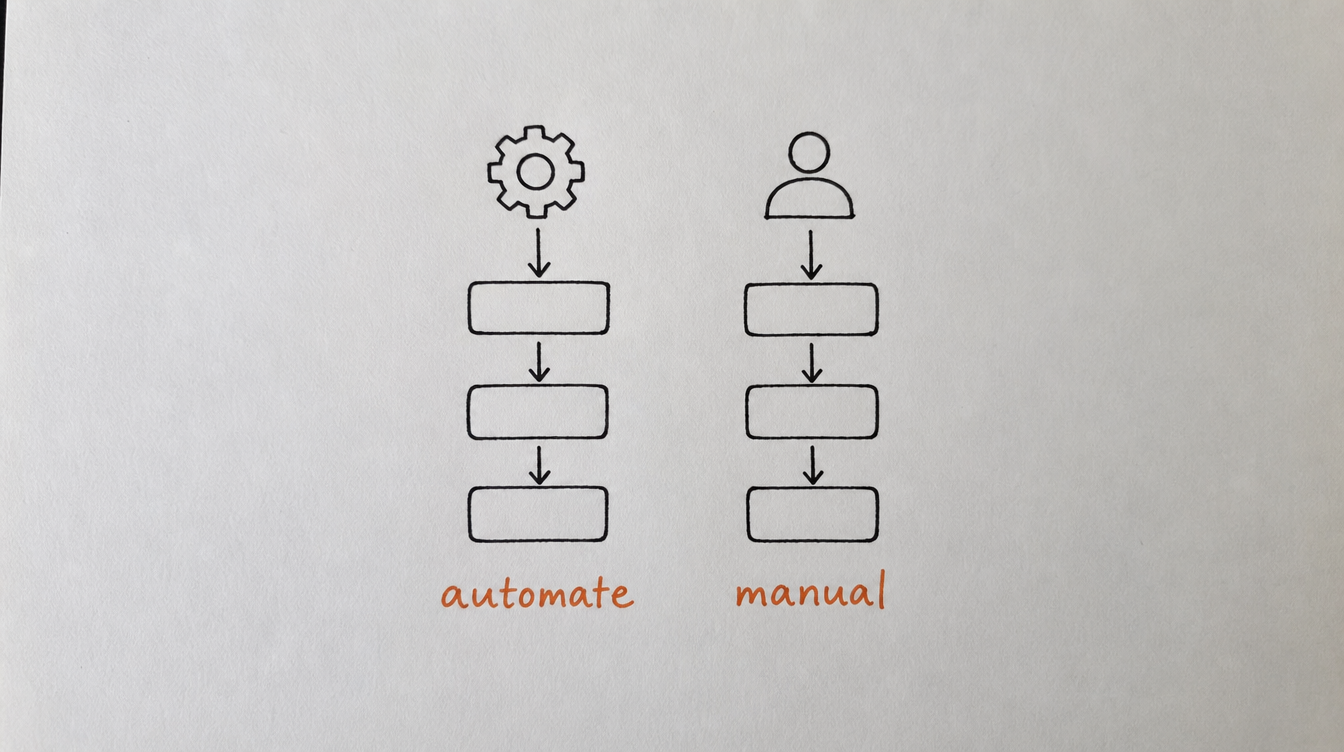
Automate these (zero human judgment needed):
- Welcome DMs to new members
- Follow-up DMs for members who don't reply
- Recurring posts (wins threads, check-ins, goals)
- Tagging members by activity level
- Detecting inactive members
- First re-engagement message to quiet members
- Milestone celebrations (30 days, level-ups)
- Alerting you when someone needs personal attention
- Adding new members to email lists
- Notifying you in Slack when something important happens
Keep these manual (requires your voice, judgment, or creativity):
- Replying to member questions and posts (your expertise)
- Personal outreach to high-value at-risk members
- Creating original content (not recurring templates)
- Community strategy decisions
- Building relationships with top members
- Handling complex moderation situations
3. Automation Layer 1: Onboarding (Set Up Once, Runs Forever)
Onboarding is the most automatable part of community management because the process is identical for every new member.
What to automate:
- Welcome DM sequence: 3 messages over 7 days. Introduce, guide, nudge. (See: How to set up automated DMs)
- Auto-tag as "new": so you can identify first-week members at a glance.
- Day-3 check: if no post yet, send a gentle nudge pointing to an easy first action.
- Day-7 tag update: remove "new" tag, assess if they're "active" or "quiet."
Time saved: 15-30 minutes/day of manually DMing new members.
Setup time: 15-20 minutes (one time).
4. Automation Layer 2: Content (Recurring Posts + Scheduling)
You don't need to create new content every day. Most engagement comes from recurring formats that run weekly.
What to automate:
- Monday Goals: recurring post every Monday at 9am ("What's your one goal this week?")
- Wednesday Help Thread: recurring post ("What are you stuck on? Post below.")
- Friday Wins: recurring post ("Share one win from this week.")
- Monthly challenge kick-off: scheduled for the 1st of each month.
These 3-4 recurring posts handle the backbone of your community engagement. They create habits for members and ensure the feed is never dead, even when you're on vacation.
What stays manual: one original post per week with your expertise, a case study, a teaching moment, or a personal story. This is your 15 minutes of content creation.
Time saved: 20-40 minutes/day of content creation and posting.
Setup time: 20 minutes (write your templates, set recurrence).
Related: Increase engagement without posting daily
5. Automation Layer 3: Retention (Churn Detection + Rescue)
This is the automation layer most community owners don't have, and it's the one that directly impacts revenue.
What to automate:
- Health score tracking: every member gets a score based on activity. No manual checking needed.
- Inactivity detection: member goes quiet for 7+ days -> automatically flagged.
- Re-engagement DM (day 7): casual check-in sent automatically.
- Second nudge (day 14): resource link sent if still silent.
- Slack alert (day 21): if automated messages didn't work, you get notified for personal outreach.
This three-step system means you only personally intervene with the 2-3 members per week who didn't respond to automation. Everyone else is handled for you.
Time saved: 15-30 minutes/day of scanning member lists and checking activity.
Setup time: 15 minutes.
Related: How to follow up with inactive members
6. Automation Layer 4: Member Management (Auto-Tagging + CRM)
You need to know who's active, who's at risk, and who's new without manually checking profiles. For the full case on why a CRM matters more than a spreadsheet here, see Why a Spreadsheet Is Not a CRM for Your Skool Community.
What to automate:
- Auto-tags: "active" (posted in last 7 days), "quiet" (7-14 days silence), "at-risk" (14+ days)
- CRM view: one screen showing all members with their status, tags, and health score
- Milestone triggers: hit 30 days -> celebration DM. Hit level 5 -> congrats message.
- Segment tracking: instantly see how many members are in each state
This replaces the spreadsheet you were updating (or not updating) and gives you a real-time dashboard instead.
Time saved: 15-30 minutes/day of admin and tracking.
Setup time: 10 minutes.
Related: How to auto-tag members by behavior
7. The 30-Minute Daily Routine
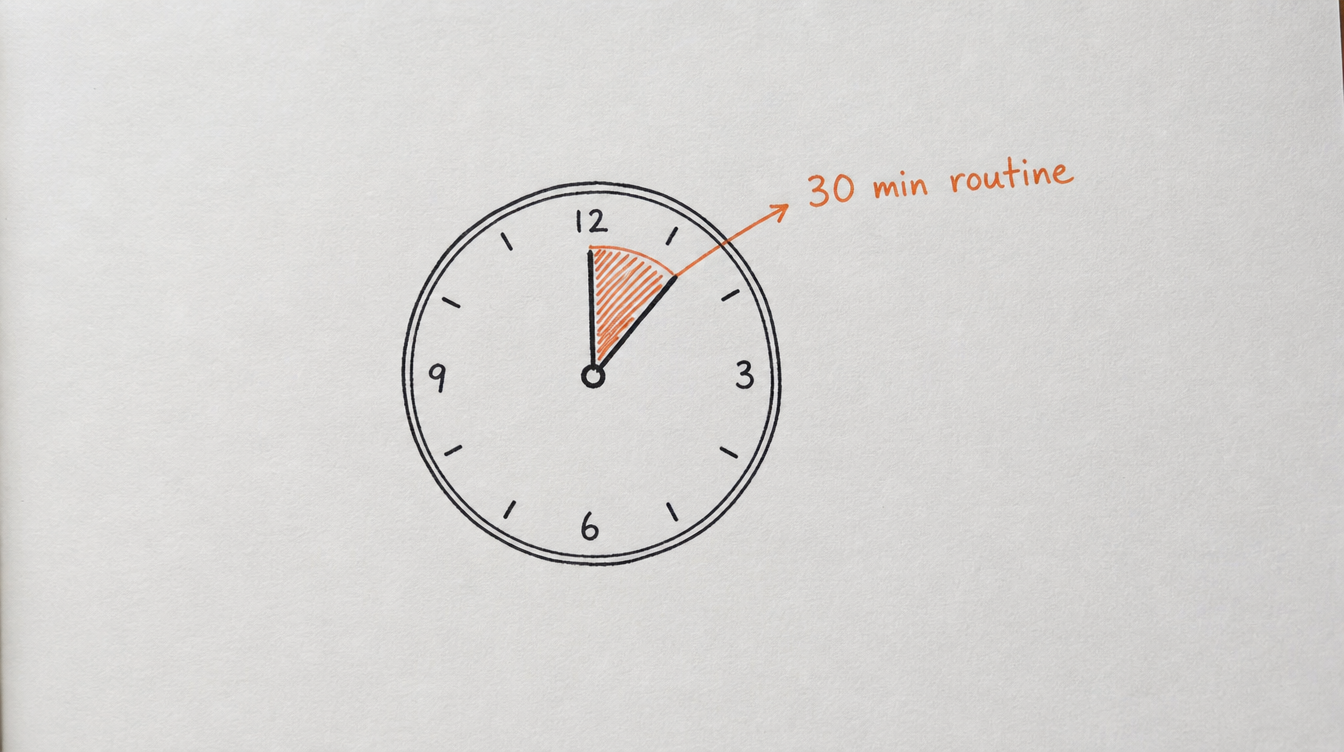
Once all 4 automation layers are active, here's what your daily 30 minutes looks like:
Minutes 1-5: Quick dashboard check
- Open CRM. Check for Slack alerts (any at-risk members who need personal attention?).
- Glance at today's stats: new members, posts, any flags.
- Decision: who needs my personal touch today?
Minutes 5-15: Reply to posts and comments
- Open the community feed. Reply to 3-5 posts or comments that need your expertise.
- Focus on posts where your reply adds unique value (not "great job!" but actual insight).
- Prioritize posts from newer members (their early experience shapes retention).
Minutes 15-25: Personal outreach (high-impact only)
- DM 1-2 at-risk members who didn't respond to automation (the Slack alert from Layer 3).
- Reply to DMs in your inbox (members who replied to automated sequences with real questions).
- Send one personal message to a member who did something great (recognition compounds).
Minutes 25-30: Quick content check
- Check if tomorrow's scheduled post looks good (recurring posts should be running).
- Jot down one idea for your weekly original post (doesn't have to be written now).
- Done.
What's NOT in this routine: writing welcome DMs (automated), checking who's inactive (automated), posting recurring content (scheduled), updating member tracking (auto-tags handle it), basic moderation (AI moderation catches the obvious stuff).
8. The Weekly Review (15 Minutes)
Once a week, spend 15 extra minutes on a strategic review:
- Check churn: did anyone cancel this week? If so, why? (Check their DM history in the CRM.)
- Check health distribution: what percentage of members are "active" vs. "quiet" vs. "at-risk"? Is the ratio getting better or worse?
- Review automation performance: what's the reply rate on welcome DMs? Are re-engagement sequences working?
- Plan next week's original post: one piece of original content based on what members are asking about.
- Adjust anything: tweak a DM template, update a recurring post, or add a new workflow if needed.
Total weekly time: 30 min/day x 7 + 15 min review = 3.5 hours/week.
Compare that to the 14-24 hours/week most owners spend without automation.
9. The Full Stack: How StickyHive Enables This
Every automation layer in this playbook is what StickyHive was built for. I designed it to run my own two Skool communities in under 30 minutes a day after years of spending 3+ hours daily on manual tasks.
The full stack:
- Layer 1 (Onboarding): DM Sequences with auto-trigger on join, conditions, and goal-based exits
- Layer 2 (Content): Post scheduling with recurring templates, AI content ideas, and category targeting
- Layer 3 (Retention): Churn detection with health scores, inactivity triggers, and rescue workflows
- Layer 4 (Management): CRM with auto-tagging, filters, notes, and bulk actions
- Connecting it all: Workflow builder with 28+ triggers, 60+ actions, conditional logic, and delays
Everything talks to everything else. A member goes quiet (Layer 3 detects it), gets tagged (Layer 4 updates), starts a re-engagement sequence (Layer 1 sends DMs), and you get alerted only if they don't respond (your 30-minute routine).
Start Free 14-Day Trial (no card required) →
10. Frequently Asked Questions
Is 30 minutes a day really enough to run a community?
For communities under 500 members with proper automation: yes. For larger communities (500-2000), expect 45-60 minutes. The key is that automation handles the repetitive 80%, and your time is focused on the high-judgment 20% that actually requires a human.
Won't members notice the community is "automated"?
No. Members experience your community as responsive and consistent. They get timely welcome messages, weekly rituals happen reliably, and quiet members get personal check-ins. They don't know (or care) whether these are triggered manually or automatically. What they notice is when things DON'T happen (no welcome, no check-ins, inconsistent posting).
How long does it take to set up all 4 automation layers?
About 60-90 minutes total for the basic version. Layer 1 (onboarding): 20 min. Layer 2 (content): 20 min. Layer 3 (retention): 15 min. Layer 4 (management): 10 min. You can set up one layer per day over a week if that's easier.
What should I do with the time I save?
Three options: (1) grow your business (create offers, partnerships, content for new channels), (2) improve the community (create better original content, build relationships with top members, develop new programs), or (3) take time off without the community suffering.
Do I still need to be present in the community?
Yes. 30 minutes of real, visible presence is worth more than 3 hours of invisible admin work. Members want to see YOU in the feed replying to posts, dropping knowledge, and building connections. They don't need you to be the one sending welcome DMs or posting the weekly wins thread.
11. Conclusion and Next Steps
You didn't start a community to become a full-time admin. You started it to teach, connect, and build something meaningful. Automation gives you your time back without sacrificing the member experience.
Your next steps:
- Do a quick time audit: where are you spending the most time right now?
- Set up Layer 1 (onboarding DMs) this week. Biggest time save, fastest to implement.
- Set up Layer 2 (recurring posts) next. Never miss a ritual again.
- Add Layer 3 (retention) once you're comfortable. This is the revenue-saver.
- Try the 30-minute routine for 2 weeks and see how it feels.
Related reading: