Introduction: One Message to Everyone = No Message to Anyone
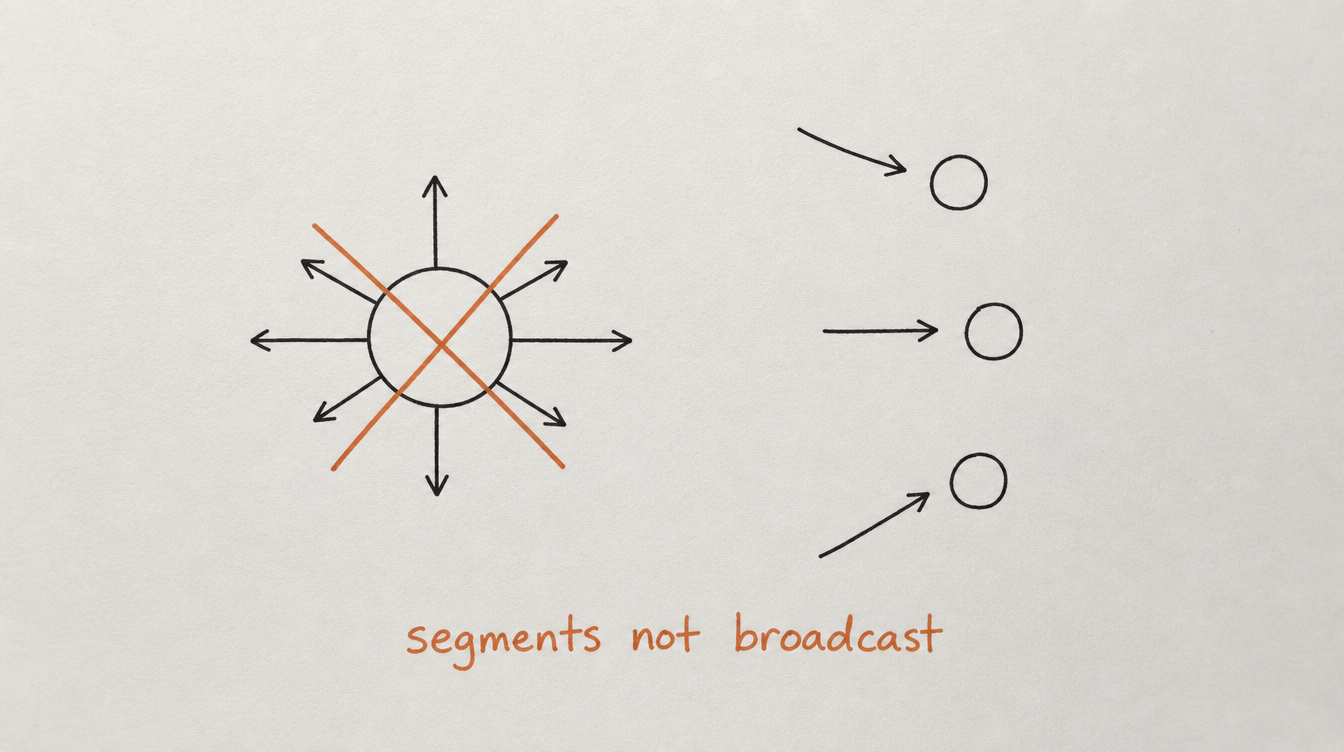
You send a DM blast to all 200 members: "Hey, check out this new resource!" Half of them already saw it. A quarter of them haven't been active in 3 weeks. Some are brand new and don't even know what the resource relates to.
The result: low reply rate, some annoyance, and missed opportunities.
If you're searching:
- skool member segments
- filter skool community members
- segment community members by activity
- skool member list management
You need a way to group members by what they're doing (or not doing) and take specific actions for each group. That's segmentation.
1. What Segmentation Means for Communities
In email marketing, segmentation is standard practice. You don't send the same email to new subscribers and 2-year customers. Community management should work the same way, but most people don't do it because Skool gives you no native tools for it.
Segmentation means dividing your member list into groups based on shared characteristics and treating each group differently:
- New members get onboarding sequences
- Active members get recognition and leadership opportunities
- Quiet members get gentle nudges
- At-risk members get personal rescue outreach
- Power users get ambassador roles and early access
The result: higher reply rates (because messages are relevant), better retention (because problems are caught early), and less wasted effort (because you're not blasting everyone with generic content).
2. The 5 Segments Every Community Has

Segment 1: New members (joined in last 14 days)
What they need: clear guidance, low-friction first actions, personal welcome
Their risk: highest churn probability. 50%+ will leave if not activated in week 1.
How to identify: join date within last 14 days
Segment 2: Active members (engaged in last 7 days)
What they need: recognition, fresh challenges, opportunities to contribute
Their risk: low churn risk but can become "content consumers" if not challenged
How to identify: posted or commented within last 7 days
Segment 3: Quiet members (no activity for 7-14 days)
What they need: a gentle check-in, a reason to come back, an easy re-entry point
Their risk: moderate. About to drift from "temporarily busy" to "mentally checked out"
How to identify: last activity 7-14 days ago
Segment 4: At-risk members (no activity for 14+ days)
What they need: direct outreach, feedback request, or acceptance of likely churn
Their risk: high. If they don't re-engage this week, they're probably gone at next billing.
How to identify: last activity 14+ days ago, health score below 40
Segment 5: Power users (consistently high engagement)
What they need: leadership roles, recognition, exclusive access, mentor opportunities
Their risk: low, unless they feel unappreciated or plateau.
How to identify: active every week for 30+ days, high health score (80+), helps other members
3. How to Filter for Each Segment
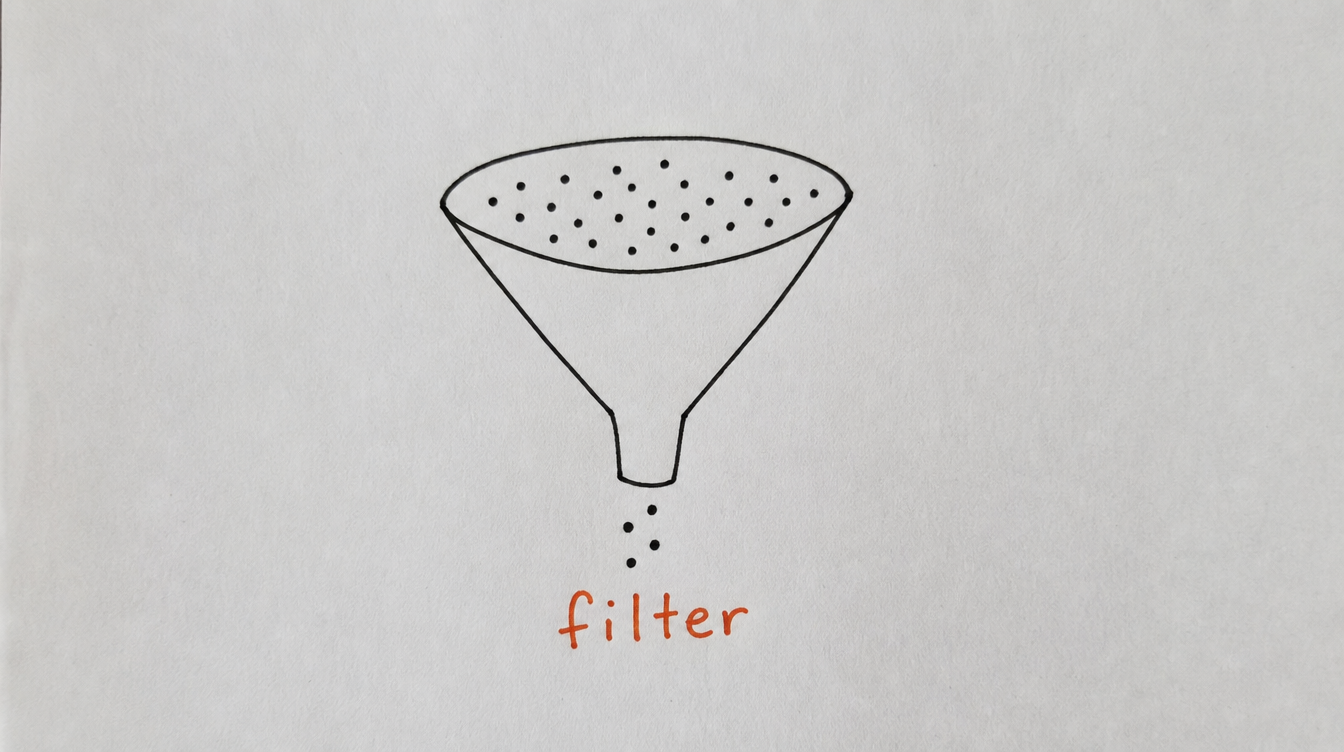
Without a tool, you'd have to manually check each member's profile, note their last activity, and mentally categorize them. With proper member management, you filter in one click:
Filter examples:
- "Show me new members who haven't posted yet" = joined last 14 days + zero posts
- "Show me at-risk paid members" = tag "at-risk" + tag "paid"
- "Show me active members who could be ambassadors" = tag "active" + health score 85+ + joined 60+ days ago
- "Show me quiet members who previously expressed upgrade interest" = tag "quiet" + tag "interested-in-upgrade"
- "Show me everyone who joined this month and hasn't completed Module 1" = join date this month + no "completed-module-1" tag
Each filter gives you a targeted list you can act on immediately, instead of trying to scan your entire member list and remember who's who.
4. What to Do With Each Segment
New members (not yet activated):
- Send (or verify) welcome DM sequence is running
- Check if they've posted. If not by day 3, send a nudge.
- Add note with any info from their intro post or DM reply
Active members:
- Publicly recognize top contributors (member spotlight)
- Invite consistent engagers to leadership/mentor roles
- Ask for testimonials from members who've shared wins
- Send exclusive content or early access to new features
Quiet members:
- Send automated check-in DM (if not already in re-engagement sequence)
- Tag a relevant recent thread and share via DM
- Don't panic. 7-10 days of silence is often just "life."
At-risk members:
- Personal DM (not automated) for high-value members
- Ask for honest feedback: "What's not working?"
- If paid: check notes for any context (did they mention being busy? unhappy?)
- Accept that some will leave. Focus your energy on recoverable ones.
Power users:
- DM with recognition: "You're one of our most helpful members."
- Offer moderator or mentor role
- Invite to small mastermind group or private channel
- Ask for referrals (they're your best source)
5. Advanced Segments (Combining Filters)
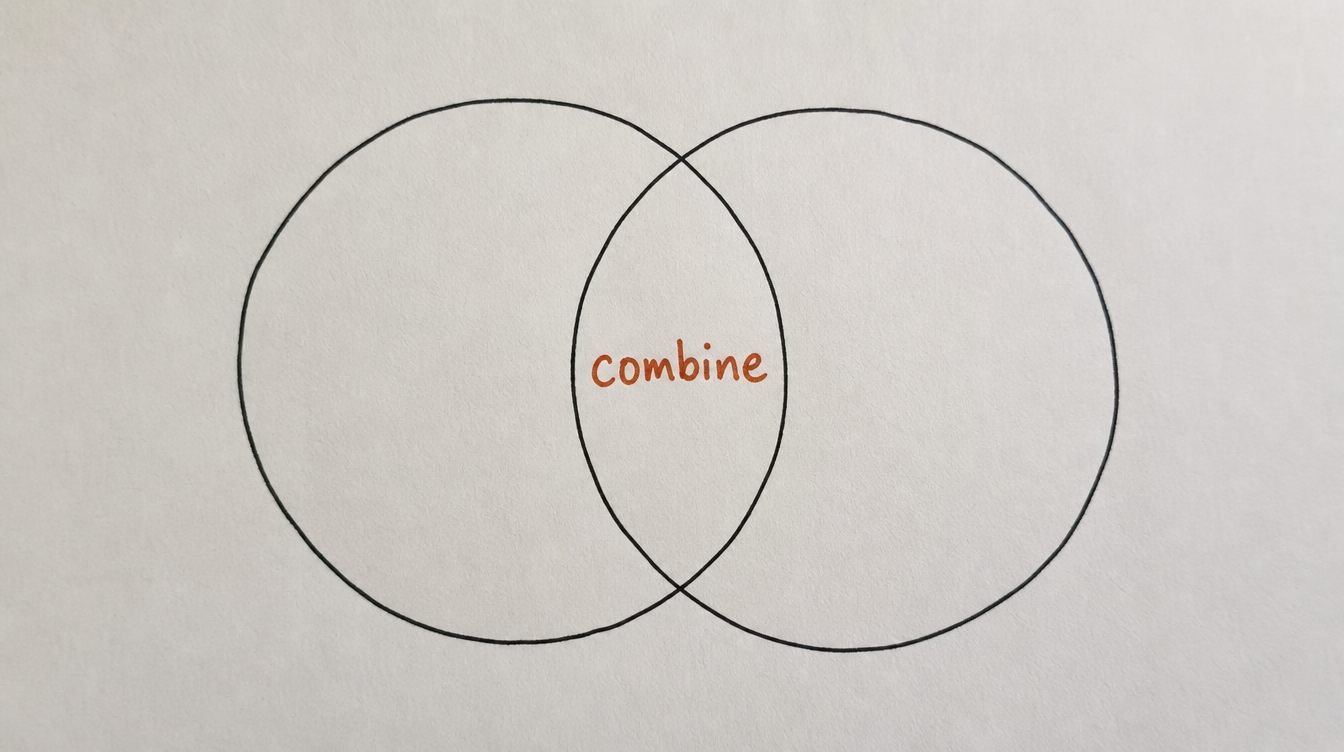
Basic segments are based on one dimension (activity). Advanced segments combine multiple dimensions for precision targeting:
Upgrade candidates:
Tag "free" + tag "active" + health score 70+ + joined 14+ days ago
Action: targeted DM with premium offer, case study, or free trial upgrade
Churn recovery pool:
This segment matters most in paid communities — see the real cost of losing them before deciding how much effort a rescue DM is worth.
Tag "paid" + tag "at-risk" + health score 20-40 + joined 30+ days ago
Action: personal rescue DM, feedback request, Slack alert to you
Onboarding stragglers:
Tag "new" + no "completed-onboarding" tag + joined 7+ days ago
Action: escalated nudge DM, offer to help directly, check if welcome sequence reached them
Ambassador candidates:
Tag "active" + health score 85+ + helped 5+ other members (based on comment patterns) + joined 60+ days ago
Action: personal invite to mentor role, spotlight feature, early access to new tools
Content creators (UGC sources):
Posted 10+ times in last 30 days + posts get above-average comments
Action: recognize publicly, ask to co-create content, feature their posts
6. Automating Actions by Segment
Segments become truly powerful when they trigger automated workflows. Instead of manually filtering and acting every day, the system acts when a member enters or exits a segment:
- Member enters "at-risk" segment: automatically start re-engagement DM sequence
- Member enters "power user" segment: automatically send recognition DM and alert you
- Member leaves "new" segment without posting: start escalated onboarding nudge
- Member enters "upgrade candidate" segment: send targeted offer after 2-day delay
This is where segmentation connects to workflow automation. Tags define segments. Tags trigger workflows. Workflows take action. You oversee the system but don't manually execute every step.
7. How StickyHive Handles Segmentation
StickyHive's CRM was built specifically for this. Every feature connects back to the idea that different members need different treatment at different times.
- Auto-tags update in real time: as members go quiet or become active, their tags change automatically. Segments stay current without manual work.
- Multi-filter search: combine any tags, health score ranges, join dates, and activity dates in a single query. Save filters for one-click access.
- Bulk actions: select a segment and tag them all, message them all, start a sequence for all, or export the list.
- Workflow triggers on tag changes: "Tag 'at-risk' added" can start a rescue workflow automatically.
- Segment analytics: see how many members are in each segment and how the distribution changes over time (are you getting healthier or unhealthier?).
Start Free 14-Day Trial (no card required) →
8. Frequently Asked Questions
Does Skool have any built-in member segmentation?
No. Skool's member list can be sorted by name, join date, or points. There's no filtering by activity, tags, or behavior. For segmentation, you need an external tool.
How often should I review my segments?
Weekly for at-risk and new member segments (time-sensitive). Monthly for power users and upgrade candidates (slower-moving). If you have automation on the critical segments, your weekly review takes 5-10 minutes.
Should I segment a free community differently than a paid one?
The segments are the same (new, active, quiet, at-risk, power user). The actions differ. In a paid community, the at-risk segment gets rescue DMs. In a free community, the at-risk segment might just get a re-engagement prompt. The "upgrade candidate" segment only exists in free communities (in paid communities, it becomes "upsell candidate" for higher tiers).
How many members can I realistically manage with segments?
With automation handling the first touchpoints for each segment, you can effectively manage 500-1000 members. You only personally intervene with the 5-10 members per week who need human judgment (high-value at-risk, ambassador candidates, complex situations). Everything else runs on autopilot.
Can I create custom segments beyond the 5 basic ones?
Yes. Any combination of tags can define a segment. If you tag members by industry, goal, source, tier, and activity, you can create segments like "fitness coaches who joined from a webinar, are active, and interested in the mastermind." The system is as specific as your tags allow.
9. Conclusion and Next Steps
Stop treating every member the same. Your active members need recognition, not nudges. Your quiet members need check-ins, not new content. Your power users need challenges, not basic onboarding. Segmentation lets you give each group what they actually need.
Your next steps:
- Set up auto-tags for the 5 basic segments (new, active, quiet, at-risk, power user)
- Create a Monday routine: filter by "at-risk," take action on 2-3 members
- Create a Friday routine: filter by "power user," recognize 1 member publicly
- Set up one automated workflow: "at-risk" tag triggers re-engagement DM sequence
- Review segment distribution monthly: is the ratio of active-to-at-risk improving?
Related reading: