Introduction: You Don't Have an Engagement Problem. You Have a Diagnostic Problem.
When a community isn't growing or retaining members, the instinct is to try random fixes:
- "Maybe I should post more"
- "Maybe I need a better lead magnet"
- "Maybe the content isn't good enough"
But without knowing where the actual breakdown is, you're just guessing. And guessing burns time.
If you're searching:
- how to audit a community
- skool community audit
- community health check
- why is my community not growing
What you really want is a structured way to evaluate your community stage by stage, find the first thing that's broken, and fix it before touching anything else.
That's what this post gives you.
1. What Is a Community Audit?
A community audit is a structured evaluation of how well your community is performing at each stage of the member lifecycle. Think of it like a physical for your community.
Instead of asking "is my community healthy?" (too vague), an audit asks:
- Is my positioning attracting the right people?
- Are new members successfully onboarded?
- Do members engage after the first week?
- Are members connecting with each other (not just me)?
- Are members staying past month 2?
- Do I have a system for rescuing at-risk members?
Each of these maps to a specific lifecycle stage. A good audit evaluates each one and tells you which one is broken first.
2. The "First Broken Link" Concept
Here's the most important idea in community diagnostics:
Your community is only as strong as its first broken link.
The member lifecycle is a chain. If Stage 3 (On-Ramp) is broken, it doesn't matter how good Stage 5 (Engagement) is. Members never make it there.
Most community owners spend time optimizing stages that their members never reach. They're building retention systems when the real problem is that nobody completes onboarding.
An audit finds the first broken link. You fix that one thing. Then you audit again. This is how communities improve systematically instead of randomly.
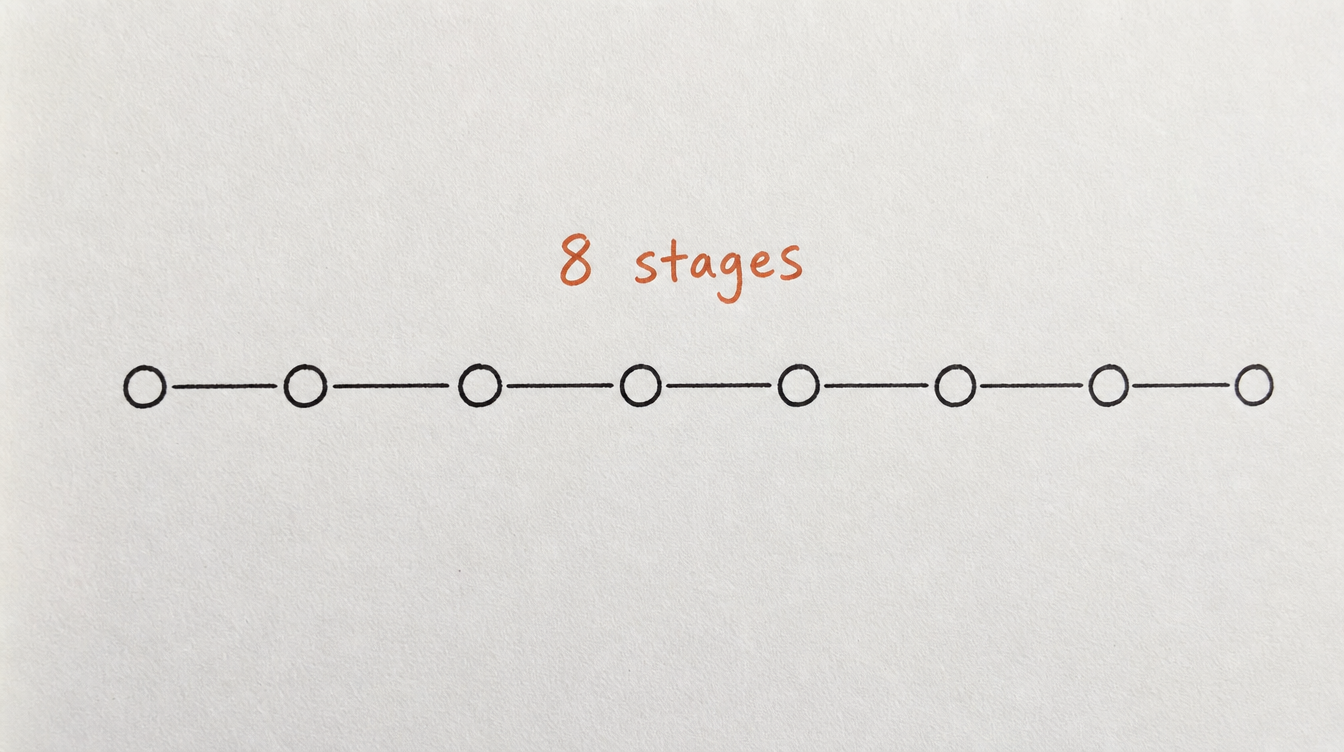
3. The 8 Lifecycle Stages (And What to Check in Each)
Stage 1: Positioning
Question: Is it immediately clear who this community is for and what outcome they'll get?
What to check:
- Your community name (does it signal the outcome?)
- Your description (can someone decide in 10 seconds if it's for them?)
- Your "about" page or landing page (specific promise vs. vague "join our tribe")
Red flags: generic descriptions, no clear target audience, no specific outcome promise.
Stage 2: Seeding
Question: Does the community look alive when a new member arrives?
What to check:
- Are there recent posts (last 48 hours)?
- Do posts have replies (at least 2-3)?
- Is there visible member activity (not just you posting into silence)?
Red flags: last post was 5 days ago, posts with zero comments, only the owner posts.
Stage 3: On-Ramp
Question: Do new members know exactly what to do in their first 10 minutes?
What to check:
- Is there a pinned "start here" post or guide?
- Is there a clear first action (introduce yourself, complete module 1, etc.)?
- Does anything happen automatically when they join (welcome DM, tag, sequence)?
Red flags: no pinned content, no welcome message, new members' first experience is a wall of random posts.
Stage 4: Onboarding
Question: Do new members reach their "first win" within 7 days?
What to check:
- What percentage of new members post in their first week?
- What percentage complete the first classroom module?
- Do you follow up with members who haven't engaged by day 3?
Red flags: less than 30% of new members post in week 1, no follow-up system for silent new members.
Stage 5: Engagement
Question: Are members regularly participating (not just consuming)?
What to check:
- Comments per post (are members replying, or just you?)
- Unique commenters per week (how many different people participate?)
- Are there recurring rituals that create habit loops?
Red flags: low comments per post, same 5 people commenting, no weekly rituals.
Stage 6: Connection
Question: Are members connecting with each other (not just with you)?
What to check:
- Are members replying to each other's posts?
- Are there member-initiated threads (not just your posts)?
- Do members reference each other by name?
Red flags: all replies go through you, zero member-initiated posts, no peer-to-peer interaction.
Stage 7: Retention
Question: Are members staying past the critical 60-day mark?
What to check:
- Monthly churn rate (cancellations / total members)
- Average membership duration
- Do you have a system for detecting at-risk members?
Red flags: churn above 10%/month, most cancellations in first 30 days, no retention system.
Related: How to spot members about to cancel
Stage 8: Rescue
Question: When members go quiet, do you have a system to bring them back?
What to check:
- Do you detect inactive members automatically?
- Do you reach out within 7-14 days of silence?
- Do you have a re-engagement sequence?
Red flags: no tracking of member inactivity, no outreach to silent members, churn is only noticed at cancellation time.
4. How to Score Each Stage (0-100)
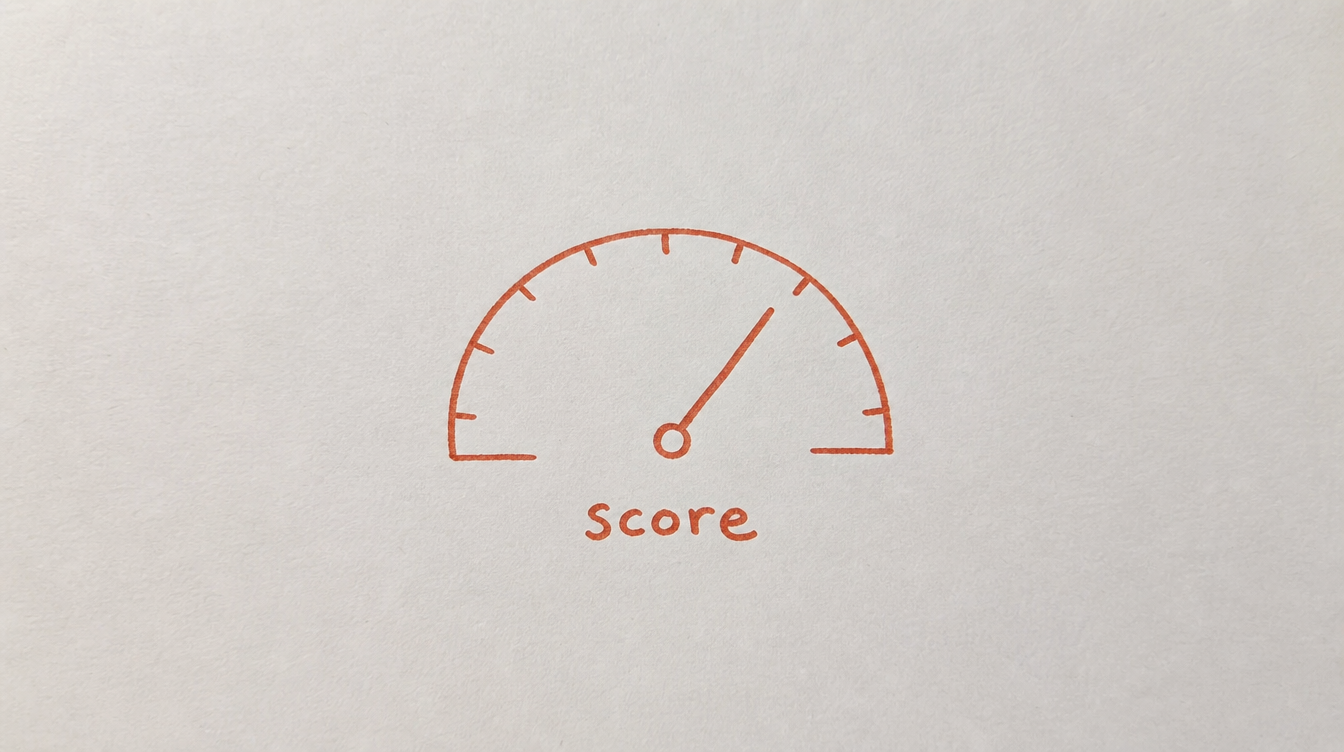
For each stage, give yourself a score based on how well it's working:
- 0-25: This stage is broken or nonexistent. Members are falling off here.
- 26-50: Partially working but inconsistent. Some members make it through, many don't.
- 51-75: Working reasonably well. There's room to optimize but it's not the bottleneck.
- 76-100: Strong. This stage is doing its job.
After scoring all 8 stages, look for the first stage that scores below 50. That's your first broken link. Fix it before optimizing anything else.
5. Common Audit Patterns (And What They Mean)

Pattern: High join rate, low first-week activity
Broken link: Stage 3 (On-Ramp) or Stage 4 (Onboarding)
Fix: add a welcome sequence, create a "start here" guide, follow up with silent new members at day 3.
Pattern: Members engage for 2-3 weeks then disappear
Broken link: Stage 5 (Engagement) or Stage 6 (Connection)
Fix: add weekly rituals, create peer-to-peer interactions, reduce dependency on you as the sole content creator.
Pattern: Active community but high monthly churn
Broken link: Stage 7 (Retention) or Stage 8 (Rescue)
Fix: add churn detection, build rescue workflows, check if there's a value plateau that members hit.
Pattern: Barely anyone joins despite promotion
Broken link: Stage 1 (Positioning)
Fix: sharpen your community description, clarify the specific outcome, define who it's NOT for.
Pattern: People join, see an empty community, and leave
Broken link: Stage 2 (Seeding)
Fix: pre-populate with 10-15 posts before launching, ensure there's visible activity every 48 hours minimum.
6. Community Audit vs. Hiring a Consultant
A community consultant will charge $2,000-$10,000 to audit your community. They'll spend 1-2 weeks analyzing it and give you a PDF with recommendations.
That PDF is usually good. The problem is:
- It takes weeks to get results
- It's expensive for a community that's not yet profitable
- It's a snapshot (the audit is outdated by the time you implement the fixes)
- You can only afford to do it once or twice a year
An automated audit gives you the same diagnostic (same 8 stages, same scoring, same prioritized recommendations) but:
- Results in minutes, not weeks
- Free or included in your tool subscription
- You can re-run it any time (monthly, after changes, etc.)
- It updates as your community grows
The trade-off: a human consultant brings nuance and creative strategy. An automated audit brings speed, consistency, and repeatability. For most communities under 1,000 members, the automated version covers 90% of what you need.
7. How to Run This Audit Automatically (StickyHive)
I built StickyHive's Community Audit because I kept paying consultants to tell me things I could have figured out with data. The third time I paid $5,000 for a PDF that said "your onboarding is weak," I decided to automate the whole thing.
Here's how it works:
- Connect your Skool community (2 minutes)
- Run the audit (analyzes your posts, comments, member activity, classroom data, and more)
- Get your 8-stage report with scores, the first broken link, and prioritized fixes
The audit uses AI (GPT-4o) to analyze patterns that a simple metric check would miss:
- Content quality and engagement-per-post trends
- Member lifecycle progression (are people moving through stages?)
- Community maturity detection (is this a new community or an established one?)
- Specific, actionable recommendations based on your actual data
It also tells you exactly which StickyHive tools fix each broken stage (workflows, DM sequences, scheduling, CRM), so you can go straight from diagnosis to action.
The community audit is included free in the 14-day trial. No card required.
Run Your Free Community Audit →
8. Frequently Asked Questions
How often should I audit my community?
At minimum, once a quarter. Ideally, once a month or after any major change (new offer, price change, content overhaul). Automated audits make this easy because there's no setup cost each time.
What if multiple stages are broken?
Fix them in order (stage 1 before stage 2, stage 2 before stage 3, etc.). There's no point fixing retention if new members never complete onboarding. Always fix the first broken link first.
Can I audit a free community the same way?
Yes. The 8 stages apply to both free and paid communities. The only difference is that "retention" in a free community means "continued engagement" rather than "continued payment." The signals and fixes are the same.
What data do I need for a community audit?
At minimum: posting frequency, comments per post, new member activity rates, and churn rate. For a deeper audit, you also want: member join dates, classroom completion rates, DM response rates, and member-to-member interaction data.
Is a community audit the same as an engagement report?
No. An engagement report tells you what happened (numbers). An audit tells you why it happened and what to fix. The audit evaluates the system, not just the symptoms.
9. Conclusion and Next Steps
You don't need to guess what's wrong with your community. An audit gives you a clear, stage-by-stage diagnosis and tells you exactly where to focus.
Your next steps:
- Score your community on the 8 stages above (be honest)
- Identify your first broken link (the first stage scoring below 50)
- Fix that one thing before touching anything else
- Re-audit in 30 days to see if it moved
Related reading: